
The Beginner's MetaTrader 5 Indicator is a straightforward custom tool designed for traders who want to identify local highs and lows on their charts with easy-to-spot red and blue dots. This handy indicator analyzes the recent maximums and minimums over a specified period and compares them to the current trading range of the currency pair. If a top or bottom stands out as significant, it gets marked with a dot. However, keep in mind that this indicator redraws itself, which means it’s not suitable for generating actual trading signals, as the dot positions can change.
Input Parameters
- AllBars (default = 0) — This setting determines how many bars are used for calculations. Setting it to 0 means it will consider all bars. There’s really no need to tweak this.
- Otstup (default = 30) — This parameter represents the percentage of the range that is cut off before comparing maximums and minimums. A higher value here will lead to more frequent dot appearances.
- Per (default = 9) — This defines the period over which maximums and minimums are calculated. The larger the number, the fewer dots will be displayed.
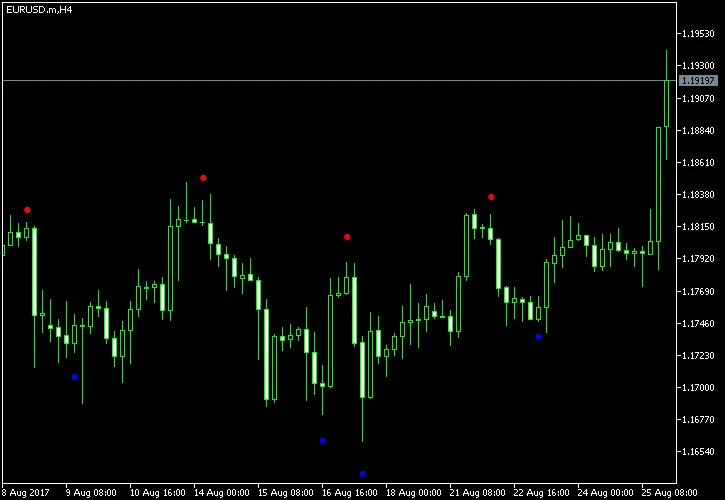
Important Note: It's crucial to remember that this indicator should not be used for actual trading decisions. For instance, simply selling when a red dot appears or buying with a blue dot could lead to losses. Instead, this indicator can serve as a quick way to pinpoint support and resistance levels, especially if you’re working with a breakout trading strategy or looking to build your own indicators.




Comments 0