
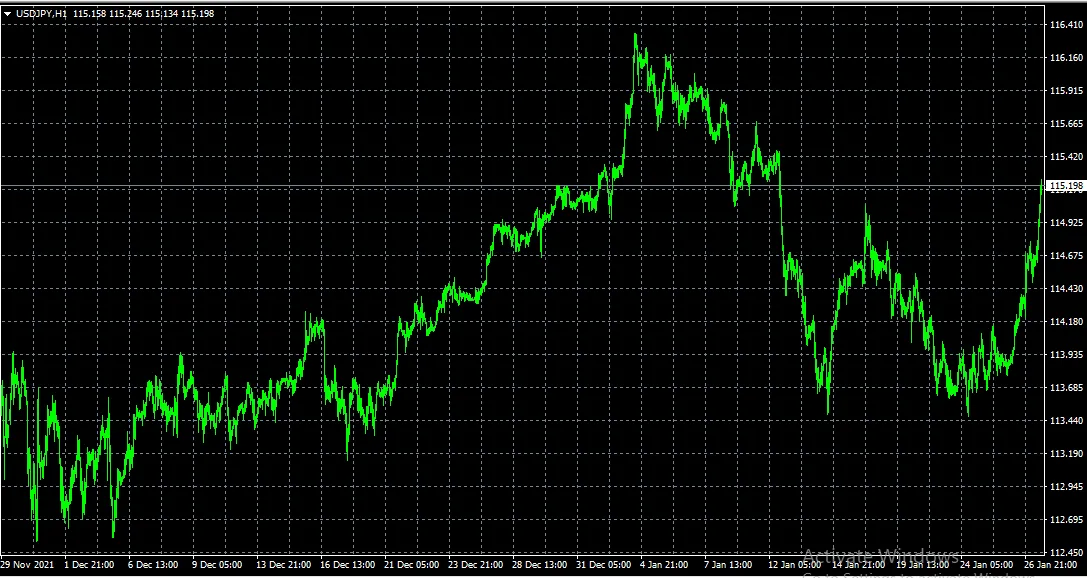
If you’re looking to enhance your trading strategy, capturing chart screenshots in MetaTrader 4 can be a game changer. This nifty code allows you to take a snapshot of your chart at any specific moment, helping you keep track of your trading conditions.
Imagine this scenario: you've just executed a trade using your EA (Expert Advisor) and want to remember the exact indicators and market conditions at that precise moment. By using this code, you can automatically take a screenshot of your chart and save it for later analysis.
Later, when you review your trades, you’ll have those visual references to better understand the market dynamics at play when you made your decisions. It’s a simple yet powerful way to refine your trading strategy.




Comments 0