
To get started with the Supertrend indicator for MetaTrader 4, you'll first need to extract the supertrend.tpl file from the ZIP archive. Once you have that, place it in the following directory:
C:\Program Files\Your Forex Broker\templates\
Next, you'll need to add the *.mq4 files to this directory:
C:\Program Files\Your Forex Broker\experts\indicators\
Once you've loaded everything correctly, your setup should resemble the example shown in the TEMPLATE_FOREX_PL.jpg file below:
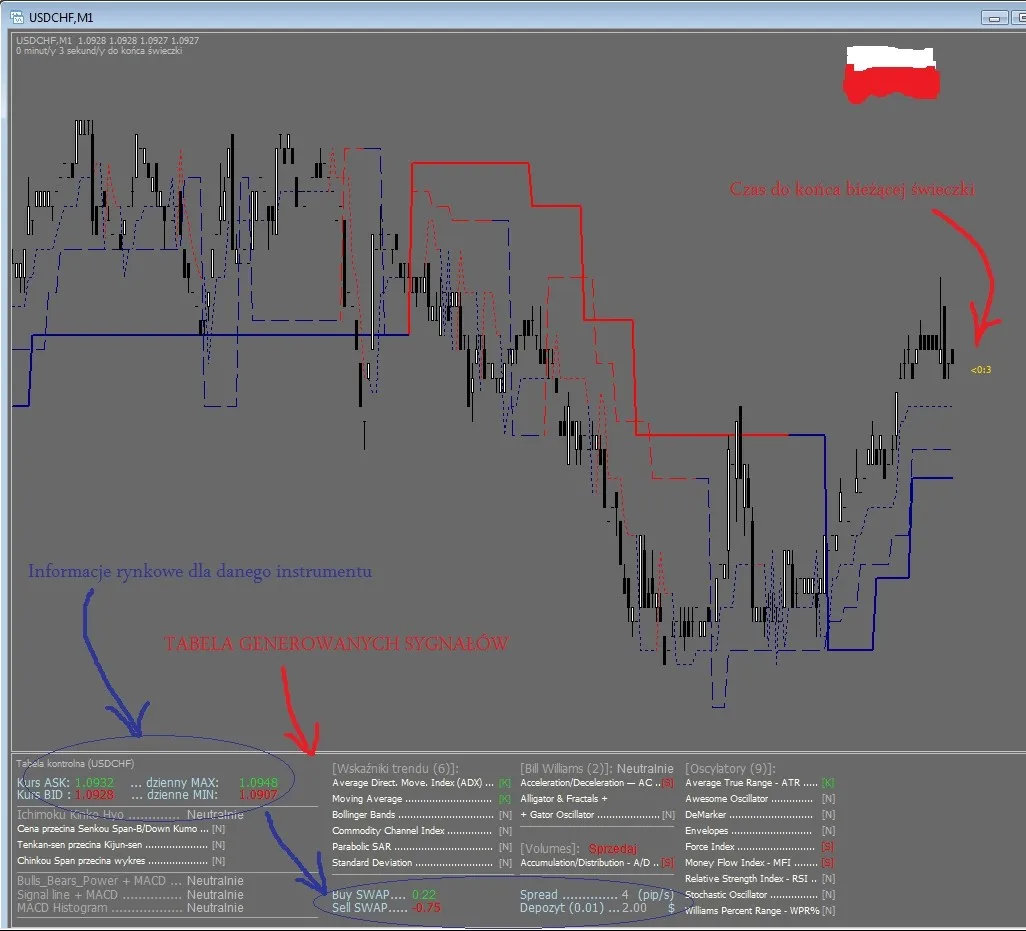
Everything should be working smoothly!




Comments 0