
Author:
Vadim Baklanov (gip)
This handy indicator provides a clear overview of various Forex sessions, market hours for exchanges, and even user-defined time lines.
Whether you’re trading manually or using automated systems, this tool is invaluable for optimizing your trading strategy.
To ensure you’re on point with daylight saving time adjustments, be sure to check the following settings:
Broker_standard_time_zone: This is the standard UTC offset for your broker's server. The default is +1, which corresponds to Eastern Standard Time (EST).
Broker_DST_start: This indicates the date and time when your broker's server shifts to summer time.
Broker_DST_end: This marks when the server reverts to standard (winter) time.
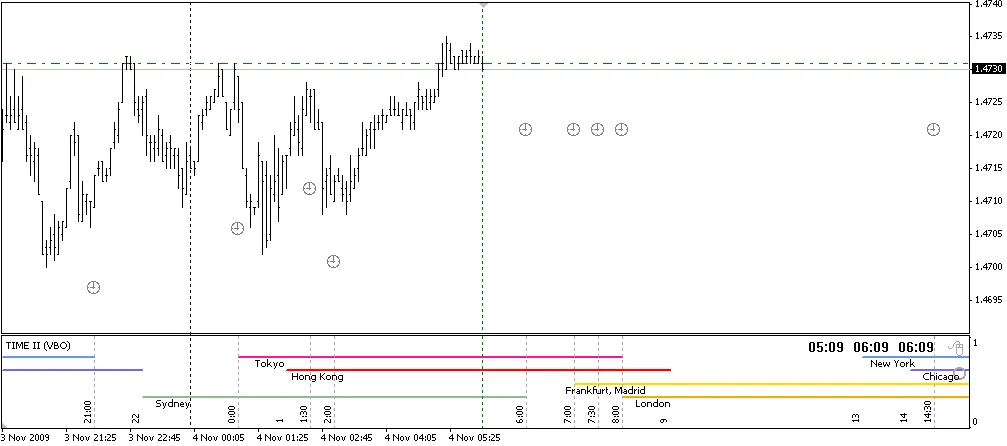
Fig 1. Trade session example
Now, let’s clarify something about the mouse icon located in the corner of the indicator.
This acts as a mode selector. If you drag the icon at the bottom, you can switch to display the session borders.
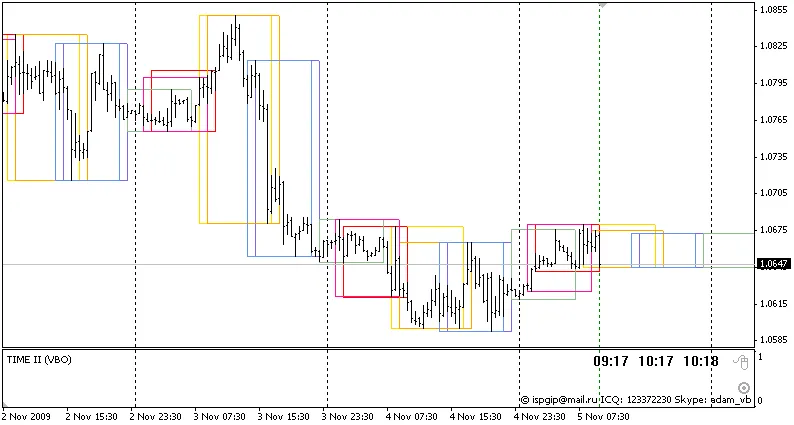
Fig 2. Session borders example
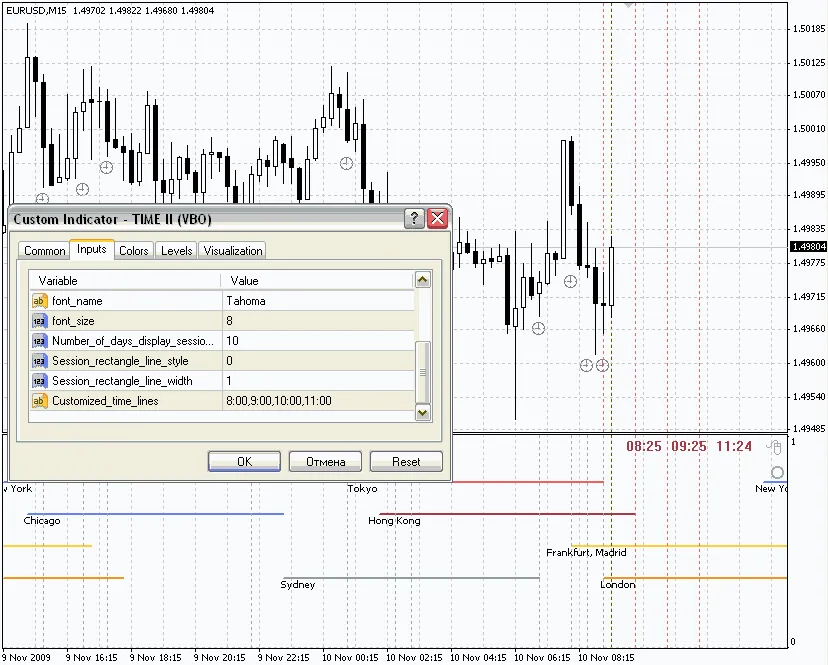
Fig 3. Custom defined time lines example
Note:




Comments 0