
Hey fellow traders! If you’re looking to up your trading game, you’ve got to check out the Simple Candle Timer for MetaTrader 5. This handy tool is perfect for keeping track of when the next candle is about to form, right next to the price or even in a corner of your chart.
One of the best features? You can customize it to suit your style! Change the color, font, size, and alignment to make it truly yours.
Input Parameters You Can Tweak
- Label Color: You can adjust the color with
lblColor=C'00,66,99'– perfect for making it visible against your chart. - Font Size: Set the font size to whatever feels right for you with
int fontSize=8. - Anchor Point: Choose where you want to anchor the label with
ENUM_ANCHOR_POINT pAnchor = ANCHOR_LEFT_LOWER. - Positioning: Decide if you want it next to the price or in a corner with
bool nextToPriceOrAnchor = true. - Corner Position: Set the position of the label using
ENUM_BASE_CORNER pCorner = CORNER_LEFT_LOWER. - Font Family: Pick your preferred font with
string fontFamily = "Tahoma".
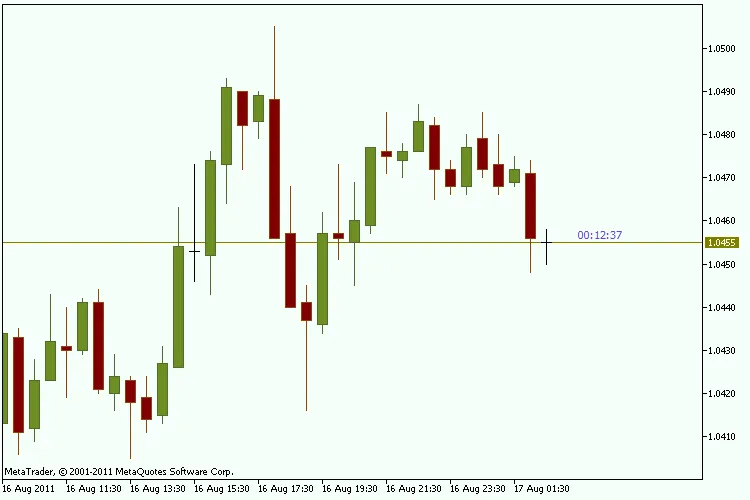
This Simple Candle Timer is a must-have for anyone serious about trading on MetaTrader 5. It’s non-invasive and fits right into your trading setup. Try it out and see how it can help you stay on top of your game!




Comments 0