
Ever wanted to get a clearer picture of market movements? The Fractal Level indicator is a powerful tool that helps us do just that by drawing horizontal lines at the levels of the most recent fractals, both upwards and downwards.
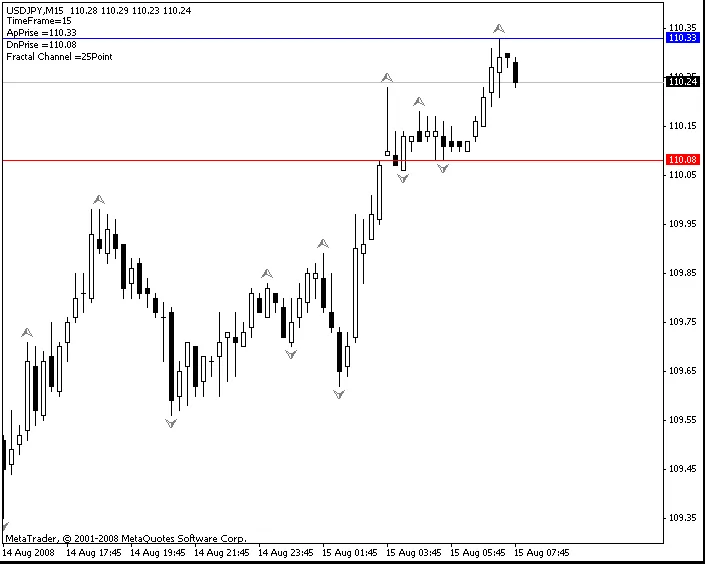
Here’s a quick rundown of the external variables you can tweak to fit your trading style:
- TimeFrame: Set to 0 for the current timeframe, or specify the timeframe in minutes to pull fractal levels from.
- Distanse: Adjust the distance between the line and the fractal in points. A negative value shifts the line inward, while a positive value shifts it outward.
- FrApNam: Name the line for the upward fractal (default is "Ap").
- FrDnNam: Name the line for the downward fractal (default is "Dn").
- ClAp: Choose the color for the upward fractal line (default is blue).
- ClDn: Choose the color for the downward fractal line (default is red).
- comment: Set to true to enable comments on the chart.
What's new in this version?
- Separate distance settings for the top and bottom lines give you more flexibility.
- Lines will automatically disappear when a market position is detected, and you can filter by magic number if needed.
By customizing these settings, you can enhance your trading strategy and make more informed decisions. Happy trading!




Comments 0