
Hey there, fellow traders! Today, we're diving into the fascinating world of Heiken Ashi charts, a favorite among many for their unique approach to candlestick analysis.
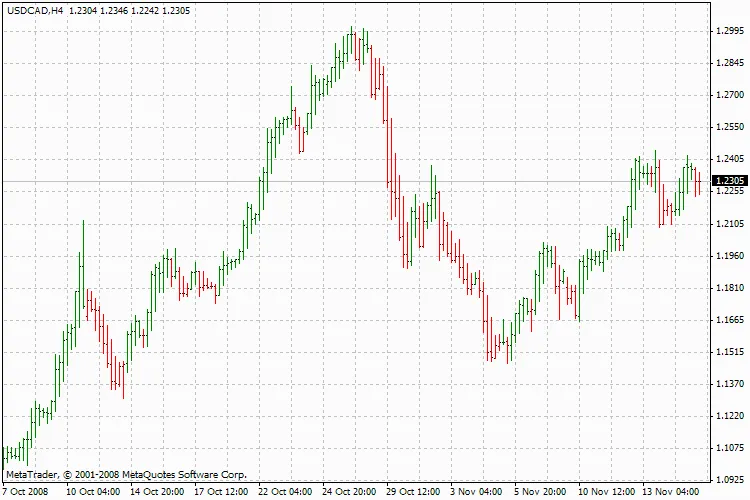
If you want to get the most out of your Heiken Ashi setup, here are some recommended chart settings to help you visualize market trends more clearly. Just hit F8 or head over to the menu and navigate to ‘Charts’ -> ‘Properties…’ to get started:
- 1. Color Tab: Set the 'Line Graph' to 'Black' for better contrast.
- 2. Common Tab: Uncheck the 'Chart on Foreground' box and select the 'Line Chart' option.
These settings will give you a cleaner, more effective view of the market movements, allowing you to make informed trading decisions.
Happy trading, and may your charts be ever in your favor!




Comments 0