

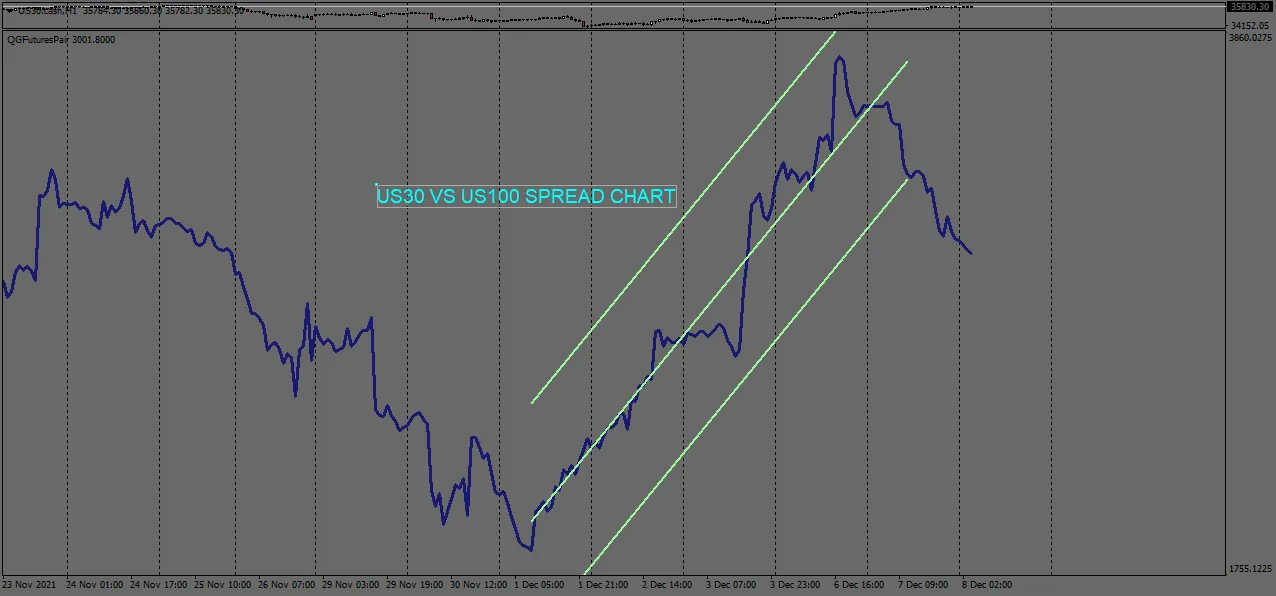
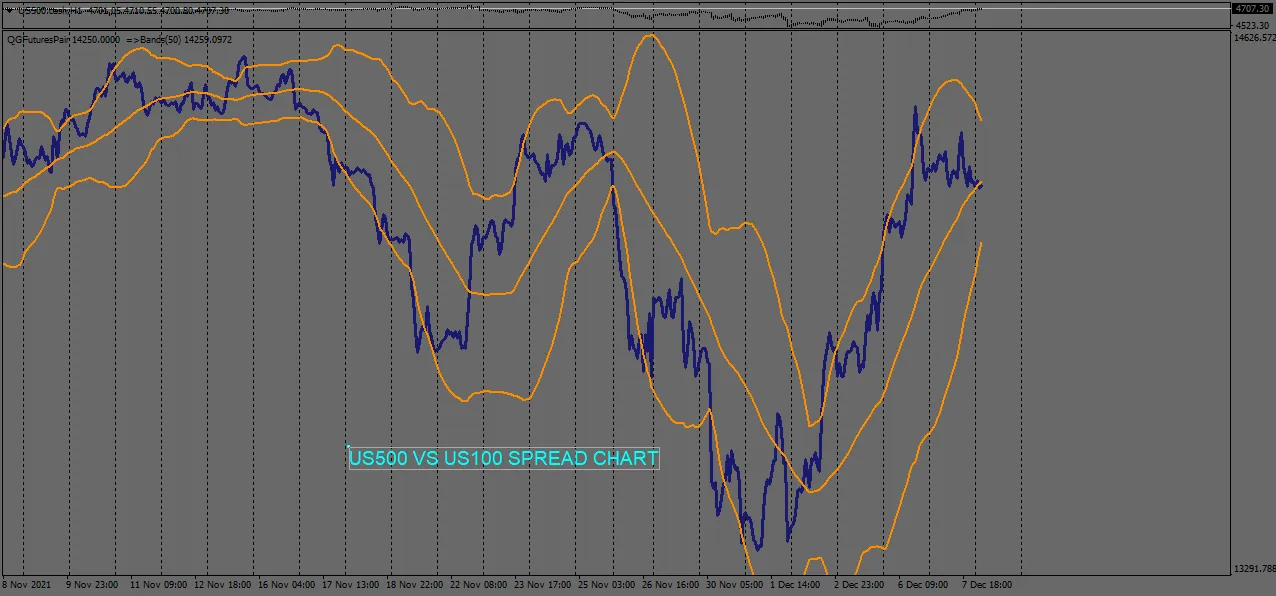
The QG Futures/CFD intermarket spread indicator is a nifty tool that lets you visualize the spread between two instruments, either as a difference or a ratio. This can really help you pinpoint trading opportunities!
Settings Overview:
- Instrument1: Enter the exact name of the first instrument as specified by your broker.
- Instrument2: Enter the exact name of the second instrument as specified by your broker.
- Multiplier1: This is a multiplying factor for the first instrument.
- Multiplier2: This is a multiplying factor for the second instrument.
- ChartDifference: Set this to true if you want to chart the difference between the two instruments; set it to false to display the spread as a ratio.
The spread chart will pop up in a separate window, allowing you to apply basic indicators to it—just like you see in the images above. This feature can enhance your analysis and trading strategy significantly!




Comments 0