
Welcome back, fellow traders! Today, we're diving into an interesting tool that's sure to enhance your trading game—the Bid_View indicator.
Key Features of the Bid_View Indicator
This handy tool comes packed with customizable parameters that help you tailor it to your trading style.
Parameters:- Bid_Colors: Set to
Truefor color-coded bid values. - Font Type: Choose your preference; the default is
Sans MS. - Color for Heading: Default is
Gainsboro, perfect for visibility. - Color for Values: Default is
CadetBlue, which looks great on charts. - Time Frame: Set to
1440for daily analysis. - Trend Bars: Default is
10, this helps in spotting trends. - Show Trend: Set to
Trueto visualize trends on your chart. - X Offset for Price: Set to
50for positioning. - Y Offset for Price: Set to
10for vertical placement.
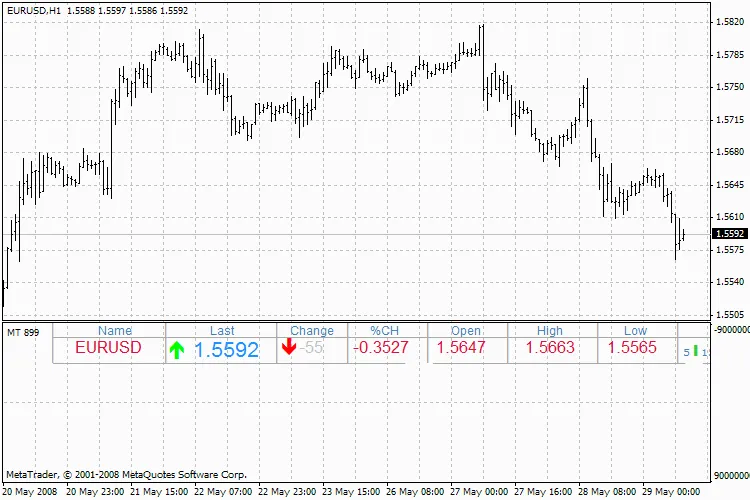
Bid_View Indicator
With these customizable parameters, you can make the Bid_View indicator work for you, helping you make better trading decisions based on visual trends and data.
Happy trading, and may your charts be ever in your favor!




Comments 0