
If you're on the lookout for a reliable tool to enhance your trading strategy, the Mouteki-Demark trend indicator is worth considering. This nifty indicator can help you identify trends more effectively, giving you a better edge in the market.
Input Parameters
Here’s a rundown of the key input parameters you’ll need to adjust:
externint showBars=200; // Set to 0 to show the indicator for the entire chartexternint LevDP=2; // Demark Point Levels; 2 means the central bar is higher/lower than 2 bars on either side.externint qSteps=1; // Number of steps (max 3)externint BackStep=0; // Steps back to considerexternint startBar=0; // 0 gives recommendations for the current bar; 1 for the next oneexternboolTrendLine=true; // Set to false to disable trend linesexternboolHorizontLine=true; // Set to true for break levelsexternboolChannelLine=false; // True for channels parallel to trend linesexternboolTakeLines=true; // True to enable take profit linesexternboolComments=true; // True to show commentsexternint Trend=0; // 1 for UpTrendLines only, -1 for DownTrendLines only, 0 for all TrendLines
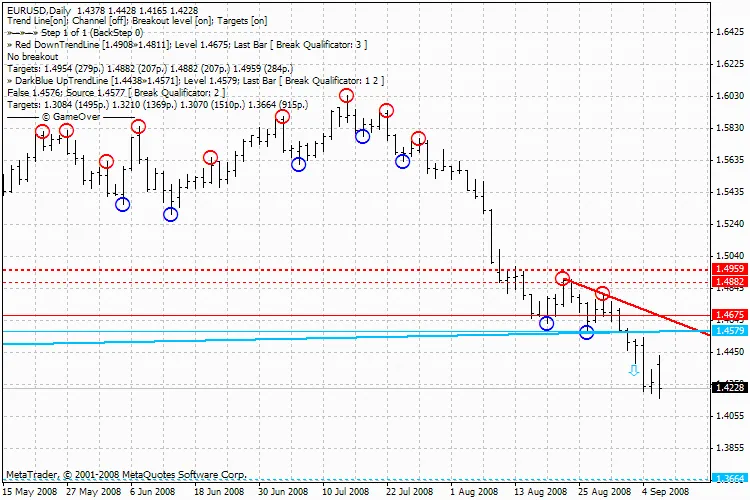
Mouteki-Demark trend new




Comments 0