
Hey fellow traders! Today, let's dive into the fascinating world of the RSI adjusted SuperTrend indicator for MetaTrader 5. If you're looking to enhance your trading strategies, this tool might just be what you need.
Understanding aRSI Calculation & Usage:
First off, to calculate the adjusted RSI (aRSI), you'll want to subtract 50 from your RSI value. Then, take the absolute value of that result and divide it by either 100 or 50, depending on your settings. This will give you the aRSI, which is essentially a percentage-like value.
Now, let's talk about adjusting the bands:
For the lower band, use this formula: lower - (lower × aRSI)
For the upper band, the formula is: upper + (upper × aRSI)
If you're curious, you can toggle the Show Regular ST option to compare it with the standard SuperTrend indicator.
Settings You Should Know:
Factor (this applies to both SuperTrend variations)
ATR length (for both SuperTrend indicators)
RSI length (specifically for the aRSI SuperTrend)
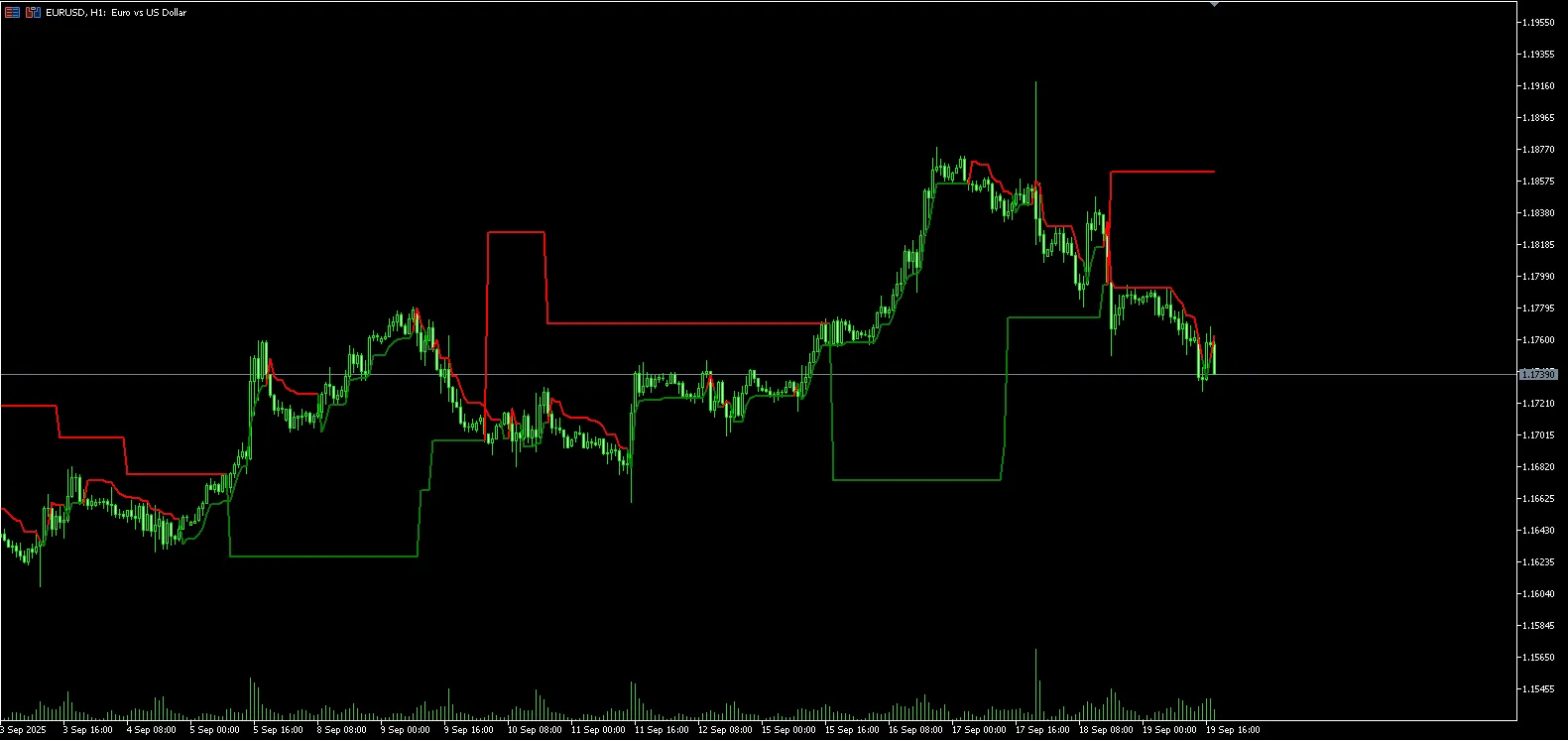
By understanding and utilizing the aRSI adjusted SuperTrend, you can take your trading game to the next level. Happy trading!




Comments 0