
Hey traders! Today, let's dive into the XEnvelopes2 indicator for MetaTrader 5. This nifty tool features two Envelope channels based on a single moving average, each with different deviation values, displayed as a cloud. The first channel is highlighted in a soft gray, while the upper boundary of the second channel, which extends beyond the first, is shown in a gentle green. Meanwhile, the lower boundary of this second channel, also reaching past the first, is painted in a light pink. Pretty neat, right?
To get the most out of this indicator, you'll need to utilize the SmoothAlgorithms.mqh library classes. Just make sure to drop it into your <terminal_data_folder>\MQL5\Include directory. If you're unsure about how to use these classes, check out the article "Averaging Price Series for Intermediate Calculations Without Using Additional Buffers"—it’s a great resource to help you understand the ins and outs.
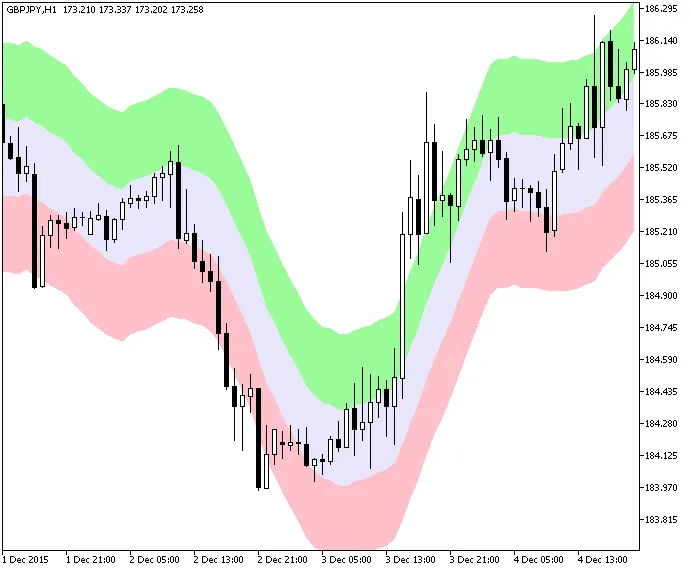
Figure 1. The XEnvelopes2 Indicator




Comments 0