
If you're looking to enhance your trading strategy, the ColorRSI_X20 indicator might just be what you need. This tool allows you to customize the calculation timeframe through its input parameters, letting you tailor the insights to fit your trading style.
inputENUM_TIMEFRAMES TimeFrame=PERIOD_H4; // Set your preferred timeframe for the indicator
To get started with the ColorRSI_X20, make sure to place the ColorRSI_X20.ex5 file into your <terminal_data_directory>\MQL5\Indicators folder. This setup is crucial for the indicator to function properly.
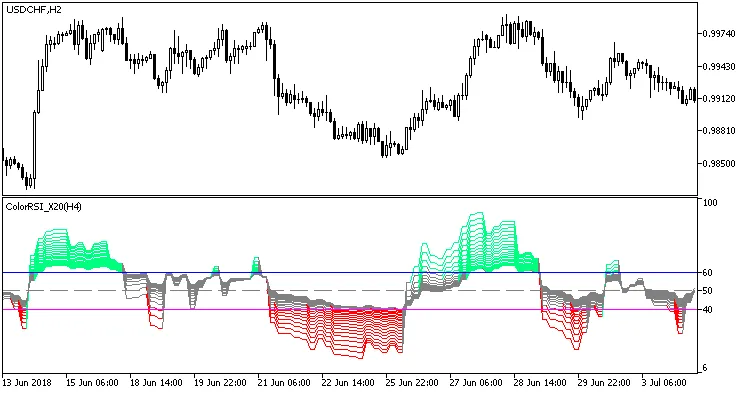
Fig.1. The ColorRSI_X20_HTF indicator




Comments 0