
Hey fellow traders! Today, I want to introduce you to an awesome tool known as PipStriker. This indicator is fantastic for spotting the top and bottom ranges of price movement on your charts.
How to Set Up PipStriker on MetaTrader 4
Getting started with PipStriker is super simple. Just follow these steps:
- First off, apply the indicator on your weekly (WK) chart. Choose your preferred color, then remove it from the chart to keep things tidy.
- Repeat this process for all the currency pairs you trade. Consistency is key!
- Next, switch the time frame (TF) to daily (D1). Again, set your color and remove it from the chart.
- Don’t forget to do the same on the 4-hour (4HR) time frame for all pairs. This will help you get a comprehensive view!
- Last but not least, always remember to remove the indicator before switching time frames. It’ll save you from any confusion down the line!
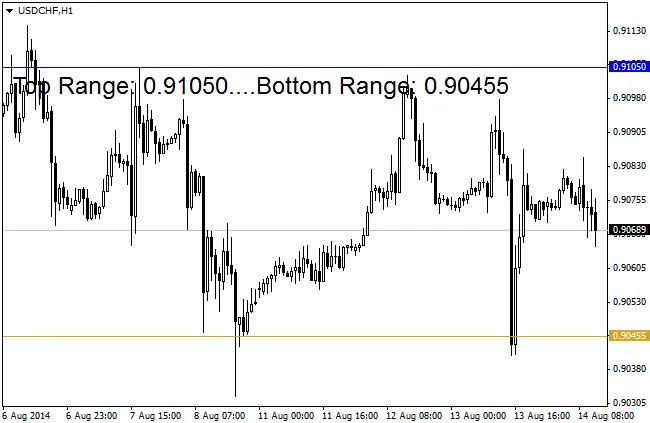
So there you have it! With PipStriker in your toolkit, you’ll be well on your way to improving your trading strategy. Happy trading!




Comments 0