
The TimeOut Indicator: What You Need to Know
The TimeOut indicator is a handy tool for traders, showing the time it takes for a quote to travel from your broker's server to your terminal. It will display the current, maximum, and minimum lag times, giving you a clear picture of your connection quality.
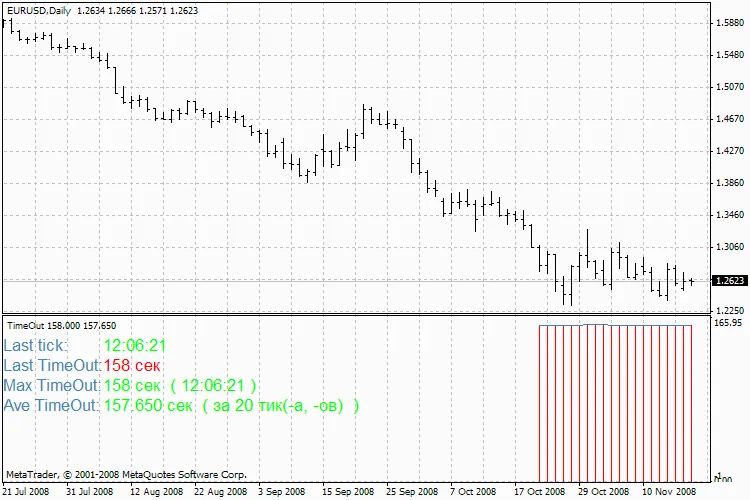
The TimeOut indicator will help you track the time it takes for quotes to make the journey from your broker's server to your trading terminal. If there are any connection issues, you’ll catch them right away. This indicator can also reveal how reliable your broker is, among other things.
If the indicator shows a lag of 1-2 seconds, that’s usually okay—it might just indicate some connection quality issues or server load. However, if you're seeing a lag greater than 5 seconds, it’s time to raise an eyebrow. You might want to reach out to your broker’s tech support to see if that’s within the norm. While this isn't a definitive answer, at least you’ll know that your price feed is delayed by a few seconds compared to others.
External Variables:
- GMT_shift: Set your time zone (for example, GMT_shift = 3 for Moscow).
- DrawBars: This controls the number of bars drawn by the indicator (1 tick = 1 bar).
- Choose 4 different colors for your indicator just to keep things visually clear!




Comments 0