
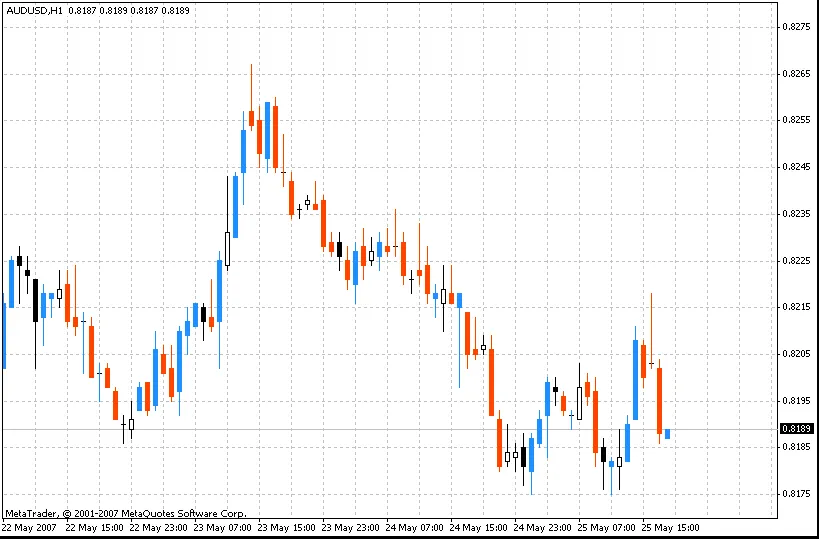
The i-OneThird indicator breaks down the difference between the high and low of a candle into three equal parts, giving you a clear visual representation of market movements. This tool calculates the opening and closing points of the candle, allowing traders to spot potential trends efficiently.
To get the most out of this indicator, it's advisable to tweak your chart settings. Specifically, consider hiding the initial chart for a cleaner view by unchecking the "Chart on foreground" option. You can find this setting in the menu under "Charts" -> "Properties" or simply press F8 and navigate to the "Common" tab.
Bullish Patterns:
- 1-1
- 2-1
- 3-1
Bearish Patterns:
- 1-3
- 2-3
- 3-3




Comments 0