
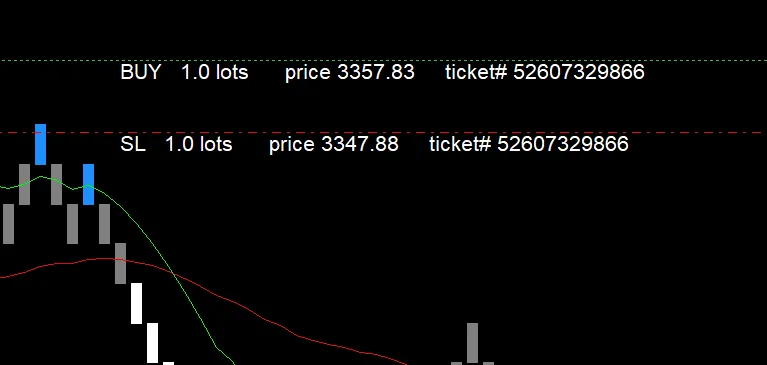
This handy indicator is designed to display labeled trade levels right on any chart you choose. If you're looking to replace the default trade levels on your standard chart, just head over to your F8 Chart Properties and switch off the 'Show trade levels' option before adding this indicator. For those using a Custom Chart, where you can't see the native trade levels, simply attach this indicator to get started.
Here’s a quick rundown of the key features:
- BaseSymbol: This lets you specify the Symbol from which the trade level data is pulled, which is especially useful for unique Custom Symbols.
- TextBarsBack: You can choose how many bars back from the current bar the level labels will be drawn.
Just a heads-up: While the magic number is mentioned in the code, it’s not currently included in the trade lines.
If you’re running multiple EAs on the same Symbol, feel free to tweak the code to display magic numbers. This way, you can run several instances of the indicator on a single chart! Plus, you can adjust font sizes and text spacing in the object properties to fit different display resolutions.




Comments 0