
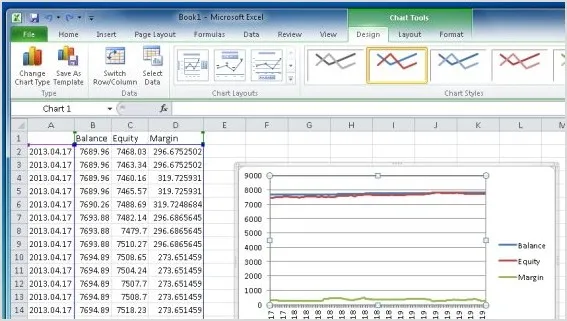
If you're looking to keep a close eye on your trading performance, the CSV Margin Tracker is a must-have for your MetaTrader 4 setup. This handy tool automatically logs your Date, Time, Balance, Equity, and Margin into a .csv file located in the "experts\files" directory. Typically, Windows will place this file in the MetaTrader folder found at User\AppData\Local\VirtualStore.
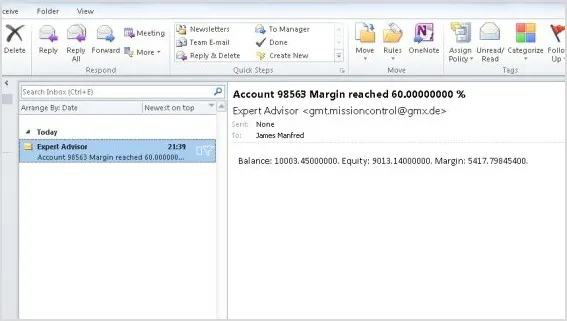
One of the standout features of the CSV Margin Tracker is its ability to account for market spikes. It records the highest Margin and the lowest Balance and Equity during the specified intervals, giving you a clearer picture of your trading health. Plus, you can easily set up email notifications for alerts through the MetaTrader Email options.




Comments 0