
If you’re looking to enhance your trading game, the SignalsDemo EA is a fantastic tool that showcases the ins and outs of managing trading signals.
This EA not only provides essential information about the features of available trading signals, but it also gives you control to adjust your copying settings. You can easily subscribe or unsubscribe from signal copying, making it super flexible for your trading style.
To get started, you’ll need to log into your terminal. Just enter your login credentials for MQL5.community through the Main Menu -> Service -> Settings under the Community tab. Be sure to authorize changes to your signal settings when you launch the EA:
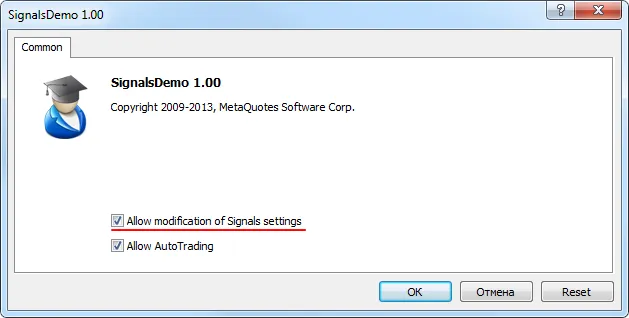
Fig. 1 Signal settings when the EA is launching
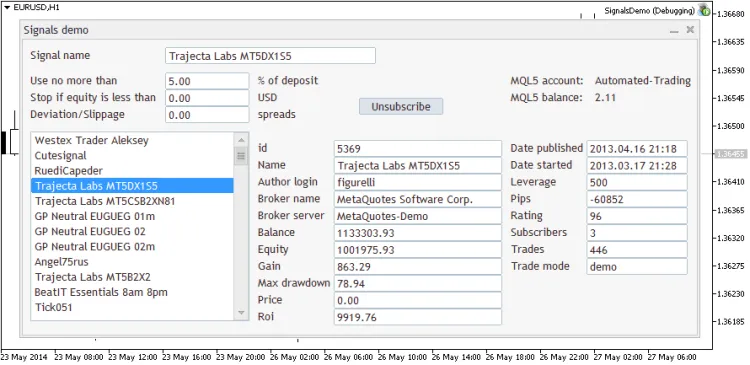
Fig. 2. Trading signals management in MetaTrader 5. The SignalsDemo EA




Comments 0