
Are you tired of constantly monitoring your trades? Our new assistant for managing limit orders in MetaTrader 4 is here to ease your trading experience!
This tool is designed to help you efficiently place two limit orders on either side of the price. The beauty of this assistant is that once one of your limit orders gets triggered, the other one will automatically be removed. This way, you can avoid wasting your valuable time glued to the screen.
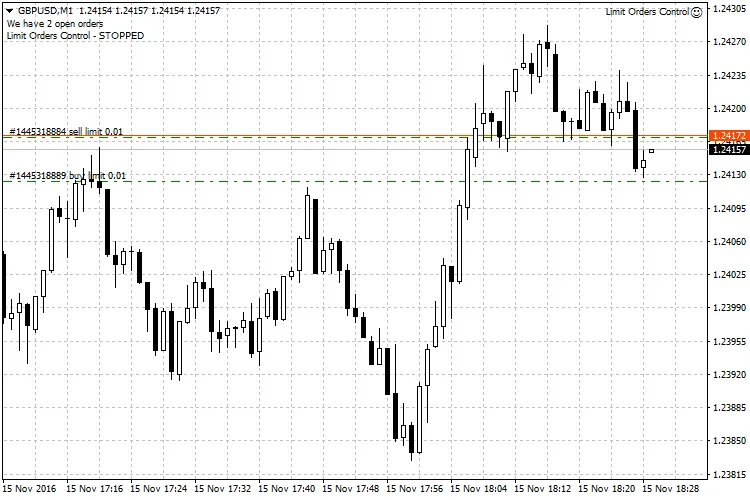
Here’s how it works: First, you set up your two limit orders. Then, you simply apply this assistant to your chart. As soon as one of the limit orders is activated, the other will be deleted, and you’ll receive a notification. Plus, the assistant will stop running until you’re ready to place your limit orders again. To restart the assistant, just open its settings, click OK without changing anything, and you’re good to go!
You also have the option to enable comments in the settings, so you’ll know whether the assistant is active or not. Additionally, you can set a Magic Number, ensuring that the assistant only manages orders associated with that specific number, leaving your other trades untouched.
This handy assistant was developed upon request by fellow trader mishelbb, as part of a proposal to create a free indicator for the community.
Settings
- MagicNumber - This is your unique identifier for the advisor. Set it to “0” if you want the assistant to track manually placed orders.
- WriteComments - Activate this option to allow the assistant to leave comments for you.




Comments 0