
Hey traders! Today, I want to share a handy tool that can elevate your trading game—the SSL Channel indicator. Originally crafted by MissTricky on TradingView, it’s now available for use in MetaTrader 4.
On July 4, 2022, I added icustomonly.mq4 to help you integrate this indicator into your trading strategy seamlessly. This is a great way to harness the power of the SSL Channel right in your favorite trading platform!
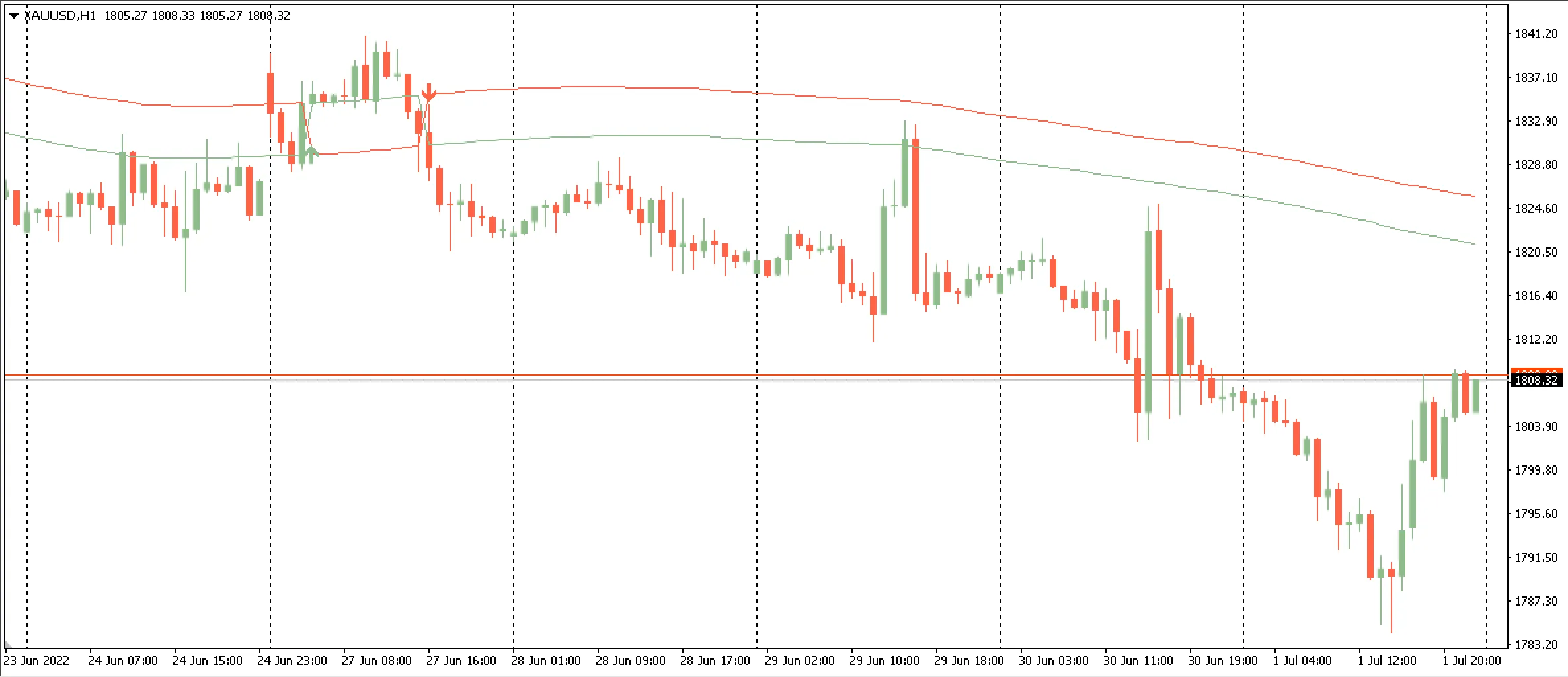
Why Use the SSL Channel Indicator?
The SSL Channel indicator is fantastic for identifying potential trend reversals and helping you make informed trading decisions. It’s particularly useful in volatile markets where price action can be unpredictable.
Getting Started with SSL Channel in MT4
- Download the Indicator: Ensure you have the SSL Channel indicator file saved on your device.
- Install it in MT4: Open your MetaTrader 4 platform, navigate to the 'File' menu, and select 'Open Data Folder.' From there, move the indicator file to the 'MQL4/Indicators' folder.
- Refresh Your Platform: Restart MT4 or hit the 'Refresh' button in the Navigator panel to see the new indicator.
- Apply It to Your Charts: Drag and drop the SSL Channel onto your chosen chart, and you’re all set to start analyzing!
Give it a shot, and let me know how it works for you! Happy trading!




Comments 0