
If you're looking to enhance your trading strategy, StopATR_auto might just be the tool you need. This system adjusts your stop levels based on current price action and the Average True Range (ATR), making it a vital addition for traders who want to manage risk effectively.
Key Input Parameters
Understanding the input parameters is crucial for maximizing the benefits of this tool. Here’s a breakdown:
- ColorUpperStop: This sets the color for your upper stop level. Default is Blue.
- ColorLowerStop: This defines the color for your lower stop level. Default is Brown.
- ShowGraf: A boolean option to display the graph. Set to true by default.
- CountBarsForShift: Determines the number of bars for shifting purposes. The default setting is 12.
- CountBarsForAverage: This parameter sets the number of bars to calculate the average ATR. The default is 77.
- Target: This defines your target multiplier. Default is 2.5.
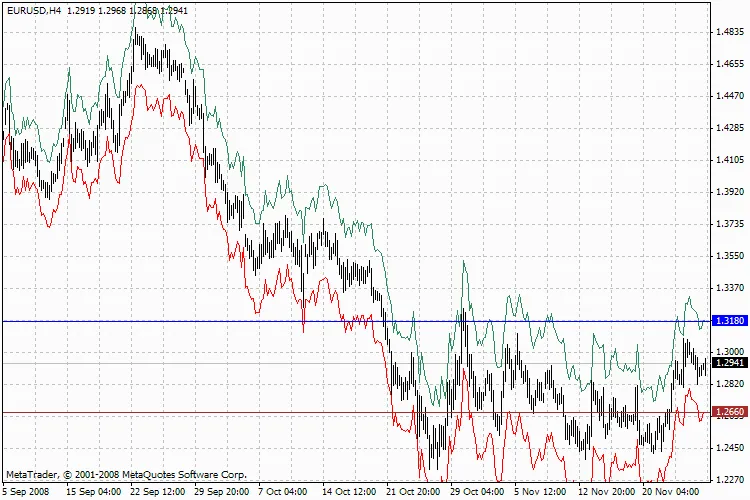
StopATR_auto
By customizing these parameters, you can fine-tune your stop levels to better align with market conditions, helping you protect your trades and potentially increase profitability.




Comments 0