
Averaging-Down Explained
The Speed Indicator features a unique double-histogram that visualizes the average positive (in green) and average negative (in red) MA Speed. Each of these averages is calculated using a customizable period, which you can set based on your trading style.
For instance, if you set the averaging period to 300, the indicator will analyze the last 300 positive and the last 300 negative bars, calculate each sum's mean, and display it clearly for your trading decisions.
Example:
Imagine you’ve set your averaging period to 300. This means the indicator will dig into the last 300 bars of positive and negative movements. It does the math for you, calculating the average and helping you spot trends at a glance.
Utilizing the Indicator
Here’s a quick look at how you can make the most out of the Speed Indicator:
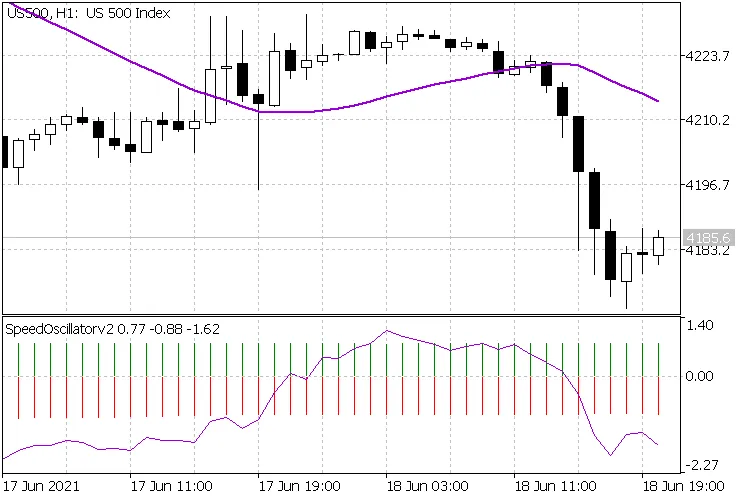
By keeping an eye on these averages, you can better gauge market momentum and make more informed trading decisions.




Comments 0