
Introducing jMasterRSX v1 by jirimac
Community Contributions: Check out the edits by Pipster, including updates for jMasterRSXv1C and the latest version, jMasterRSXv1D.
Make sure to read the notes included in the mq4 file for important information.
Thanks to everyone who has shared their edits and improvements!
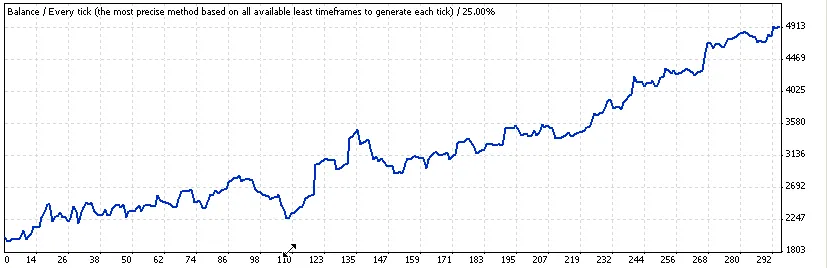
The backtest runs from January 1, 2009, to the present, providing a robust framework for analysis.
This EA utilizes the RSX indicator, so ensure you download both the EA and the corresponding indicator, placing them in the correct directories on your trading platform.
It's primarily designed for the EUR/USD pair and functions best when applied to a 1-minute EUR/USD chart.
Feel free to enhance the code and share your results—let's help each other grow as traders!
Installation Instructions:
- Extract the downloaded archive to find two files: jMasterRSXv1 and two RSX files.
- Place RSX.mq4 in your .. experts\indicators folder.
- Place jMasterRSXv1.mq4 in your .. experts folder.
- Open your Script Editor and compile both files.
Happy trading!
Updates from the Community:
Check out the edits made by Pipster, particularly the jMasterRSXv1C.mq4.
Backtest Results:
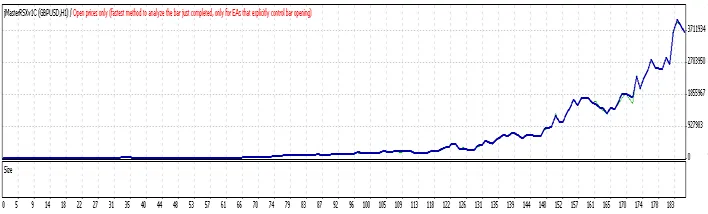
New Version Alert!Pipster has released an updated version, jMasterRSXv1D.




Comments 0