
If you're diving into the world of trading with MetaTrader 4, you might want to check out the SignalsDemo Expert Advisor. This handy tool leverages trade signals to help you make informed decisions.
The SignalsDemo EA allows you to view the properties of available signals right in your client terminal. Plus, you can easily adjust your signal copy settings and manage your subscriptions to various trade signals. It's a breeze to use!
To get started with your Expert Advisor, you’ll need to log in to the MQL5.community through your client terminal. Just head over to the Main menu, click on Tools, then Options, and navigate to the Community tab to enter your login details.
Don't forget to enable the modification of the Signals settings in the Expert Advisor options to unlock its full potential:
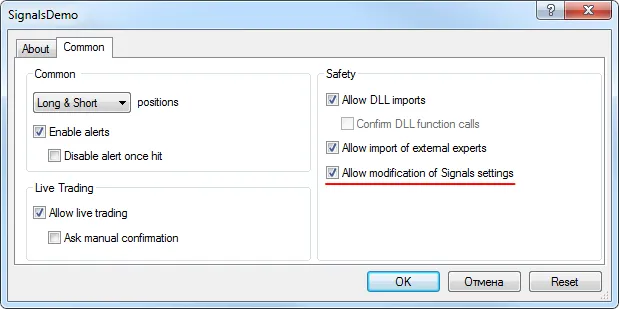
Fig. 1. Allow modification of Signals settings in Expert Advisor options
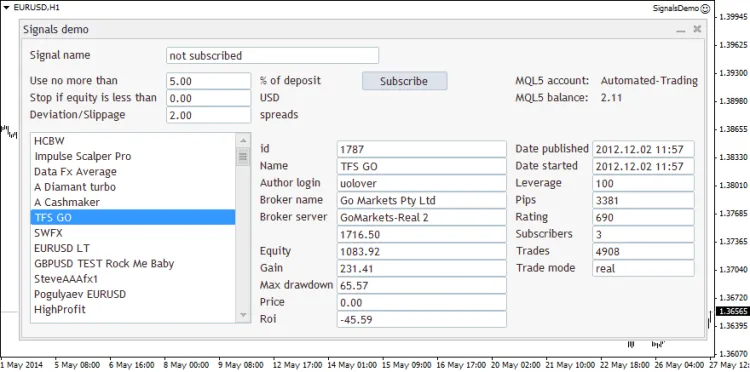
Fig. 2. Trade signals control in MetaTrader 4. SignalsDemo Expert Advisor




Comments 0