Technical Indicator

Unlocking the EQ Dashboard: Your Go-To Indicator for MetaTrader 5
MetaTrader5
Unlocking the EQ Dashboard: Your Go-To Indicator for MetaTrader 5

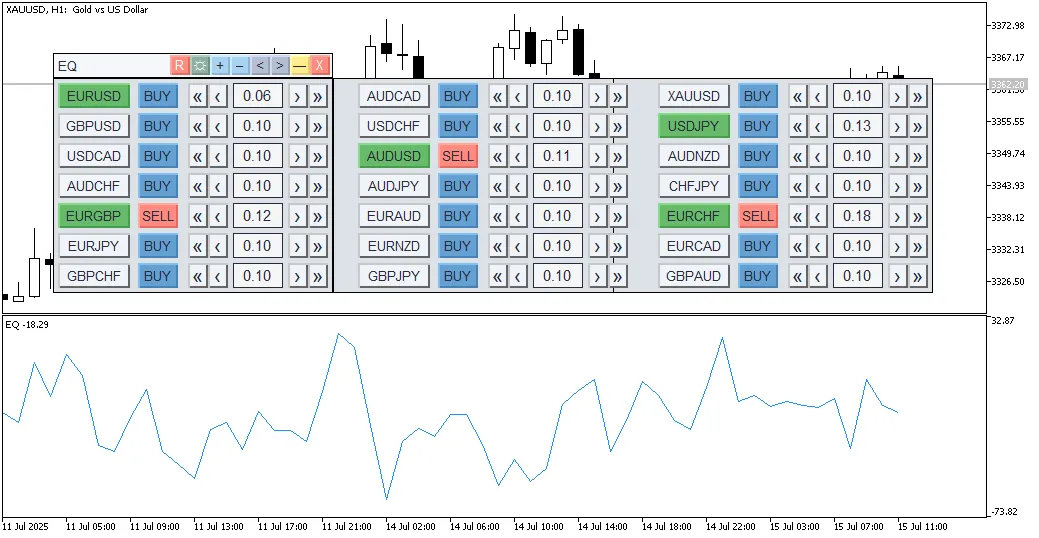
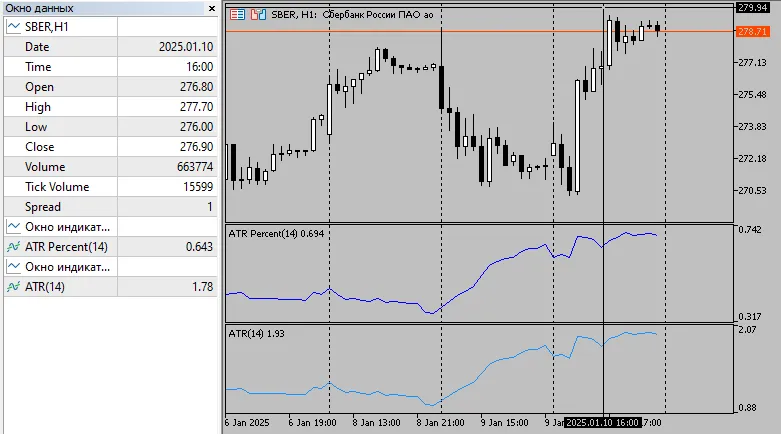
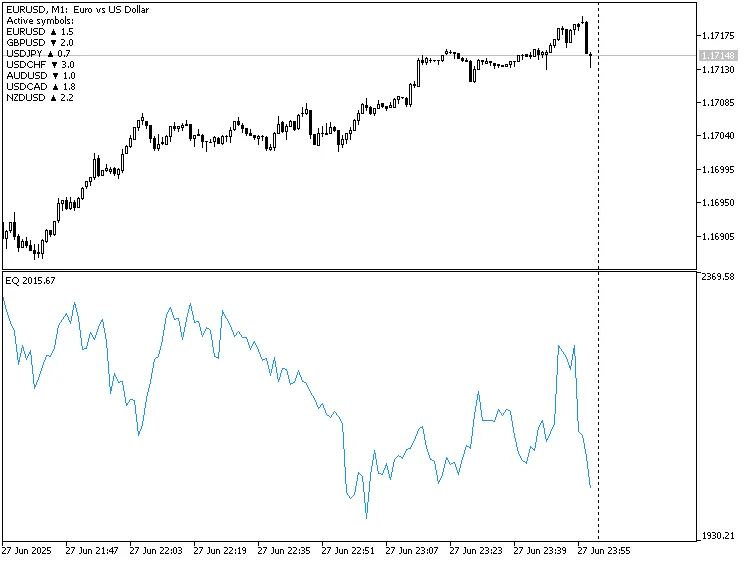
If you’re looking to level up your trading game, the EQ Dashboard indicator for MetaTrader 5 is here to help. Let’s dive into what this tool offers! What’s New?Compared to the previous version, the EQ Dashboard comes packed with a host of features: Automatic tracking of your 'Market Watch'—adding and removing symbols seamlessly. Real-time updates for any changes in active symbols. Temporary saving of settings if you need to switch off the terminal. User-friendly interface, allowing you to reset, change color themes, minimize, or close the indicator with ease. Objective: Identify volatility flattening for spread and equity trading. Visual analysis of spread trading efficiency. Spot entry and exit opportunities for equity trading. How It Works: Volume and direction settings are applied to each active pair. Cumulative profit/loss from all positions is calculated. The results are displayed as an equity line in a subwindow. Getting Started: Set your volumes, directions, and activate your pairs. Determine the drawing history depth in bars. Optionally set your initial balance. Important Notes: Bear in mind that spreads, commissions, and swaps are not factored into these calculations. These insights stem from a thorough understanding of how the mechanism should function. The EQ Dashboard is still in its experimental phase, focusing on a lesser-known technique for profit extraction in spread and equity trading. There’s a lack of comprehensive definitions and instructions available, leading to fragmented knowledge across the board. For those interested in discussing this further, you can check out ongoing conversations on the topic here. Next Steps: Conduct visual analyses of flat strategies, utilizing optional Bollinger Bands, Convergence Levels, and more. Automate the identification of optimal portfolios or basket designs for spread/equity trading—finding or crafting a suitable formula is key (I admit, math isn’t my strong suit!). Algorithmize trading by creating the EA itself for favorable outcomes. PS: We’d love to hear your thoughts, insights, or comments about the EQ Dashboard. Whether here or in the discussion thread, your input could help enhance the implementation of this indicator!

2025.08.14
Harnessing Bollinger Bands Crossover Signals for Effective Trading
MetaTrader5
Harnessing Bollinger Bands Crossover Signals for Effective Trading

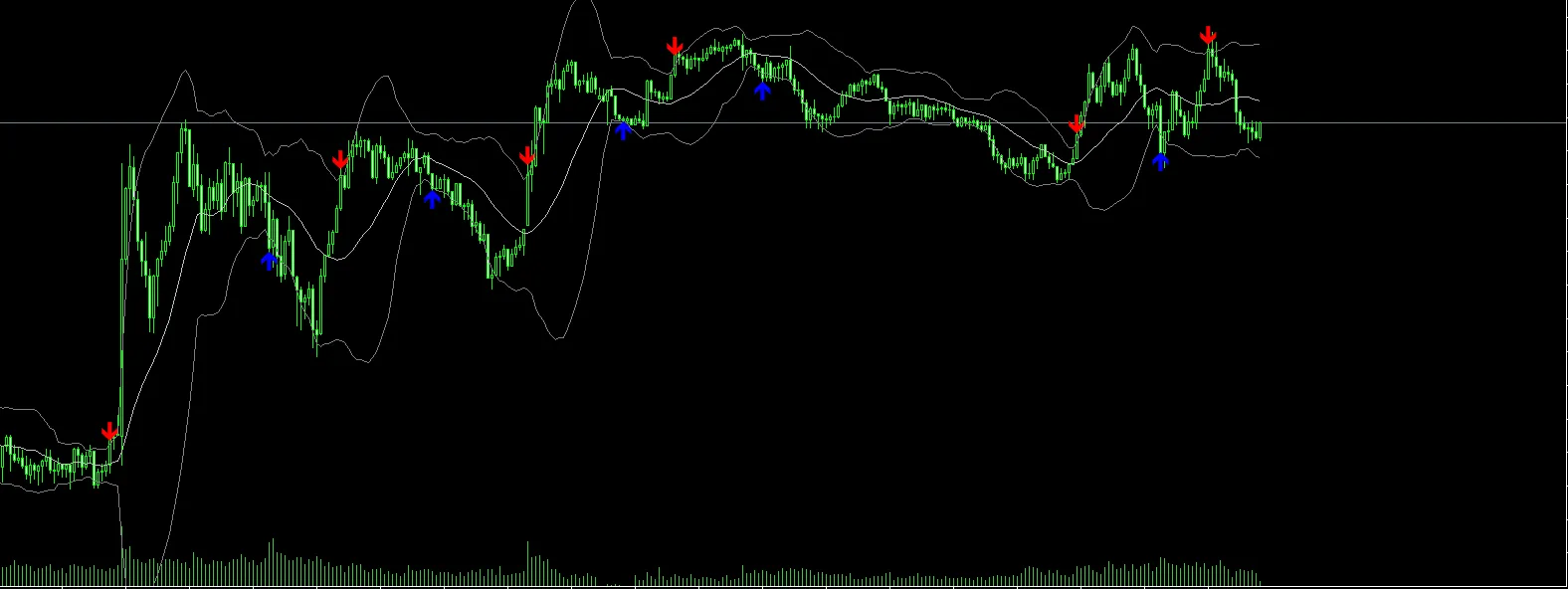
Overview If you're looking to sharpen your trading strategies, you might want to check out this custom indicator that pairs Bollinger Bands with clear Buy/Sell arrows right on your chart. This nifty tool automatically detects when the price crosses above the lower band or below the upper band, plotting arrows so you can spot potential reversal points at a glance, especially during those volatile market moments. How It Works The indicator uses the built-in iBands function to calculate Bollinger Bands. Buy Signal (Blue Arrow) → This pops up when the price closes below the lower band on the previous candle and then closes above it on the next candle. Sell Signal (Red Arrow) → This shows up when the price closes above the upper band on the previous candle and then drops below it on the next candle. You'll see signals appear only once per direction until an opposing signal triggers, which helps keep your chart clean and avoids clutter from repeated arrows. Feel free to show or hide the Bollinger Bands based on your personal preference. Indicator Features Clear Buy/Sell Arrows directly on the chart. Optional display of the Upper, Middle, and Lower Bollinger Bands. Compatible with all symbols and timeframes. Utilizes non-repainting logic (signals are confirmed after the candle closes). Easy customization of parameters to fit your trading style. Input Parameters Parameter Description BB_Period            The number of bars used for calculating Bollinger Bands (default: 20). BB_Deviation Standard deviation multiplier for the bands (default: 2.0). BB_Price The price type applied for Bollinger Bands (Close, Open, High, Low, etc.). Show_BBands If true, the Bollinger Bands will be displayed on the chart; if false, they'll be hidden. Usage Example Attach the indicator to your chart. Set BB_Period and BB_Deviation to match your trading style. Look out for blue arrows near the lower band (indicating potential buys) and red arrows near the upper band (suggesting potential sells). For better accuracy, pair this with other confirmations like trend filters or candlestick patterns. Trading Tips This indicator shines in sideways or ranging markets where price frequently interacts with Bollinger Bands. In strong trending markets, consider combining it with a trend filter (like moving averages) to steer clear of counter-trend signals. Always test your settings on your chosen symbol and timeframe to ensure they work for you. Screenshot 📜 Disclaimer This indicator serves as a technical analysis tool and doesn't promise profits. Pair it up with robust risk management and other trading strategies for the best results.

2025.08.08
Unlock Trading Potential with Smart Fibonacci for MetaTrader 5
MetaTrader5
Unlock Trading Potential with Smart Fibonacci for MetaTrader 5

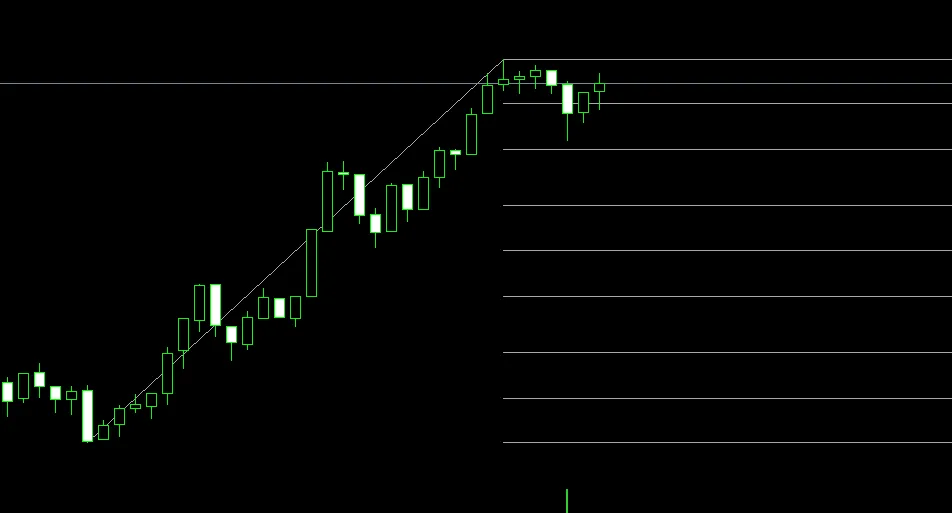
Key Features Automatic Wave Detection: This nifty tool automatically spots major price swings and lays down Fibonacci levels for you. Comprehensive Fibonacci Levels: It includes a whopping 23 Fibonacci levels encompassing retracement (0%, 23.6%, 38.2%, 50%, 61.8%, 76.4%, 88.6%, 100%), extension (127.2%, 138.2%, 161.8%, 200%, 261.8%), as well as some negative levels. Multiple Retracements: You can showcase up to 4 different Fibonacci retracements at the same time, with customizable colors to suit your style. Pattern Recognition: The indicator can identify four key market patterns: continuation of uptrends, continuation of downtrends, recent upswing, and recent downswing. Body-to-Body Mode: A special feature designed for JPY pairs, allowing for precise measurements of candle bodies. Customizable Display: Tailor your viewing experience with adjustable colors, labels, fonts, and line styles. Main Parameters SF_ScanBars: Number of bars to analyze for wave detection (default: 200) SF_RetracementCount: Choose how many retracements to display (1-4) WaveDetectionDepth: Sensitivity for wave detection (default: 5) WaveDeviationPips: Minimum price movement to register (default: 3) SF_ShowLabels: Option to display level labels with prices How to Use It This indicator takes the hassle out of analyzing price action. It automatically detects wave patterns and draws Fibonacci levels, making it compatible with all timeframes and instruments. You’ll find it particularly effective on H1 and higher timeframes. Compatibility Works seamlessly with the MT5 platform—suitable for all pairs and across all timeframes.

2025.08.03
Unlocking the EQ Indicator for MetaTrader 5: A Trader's Guide
MetaTrader5
Unlocking the EQ Indicator for MetaTrader 5: A Trader's Guide

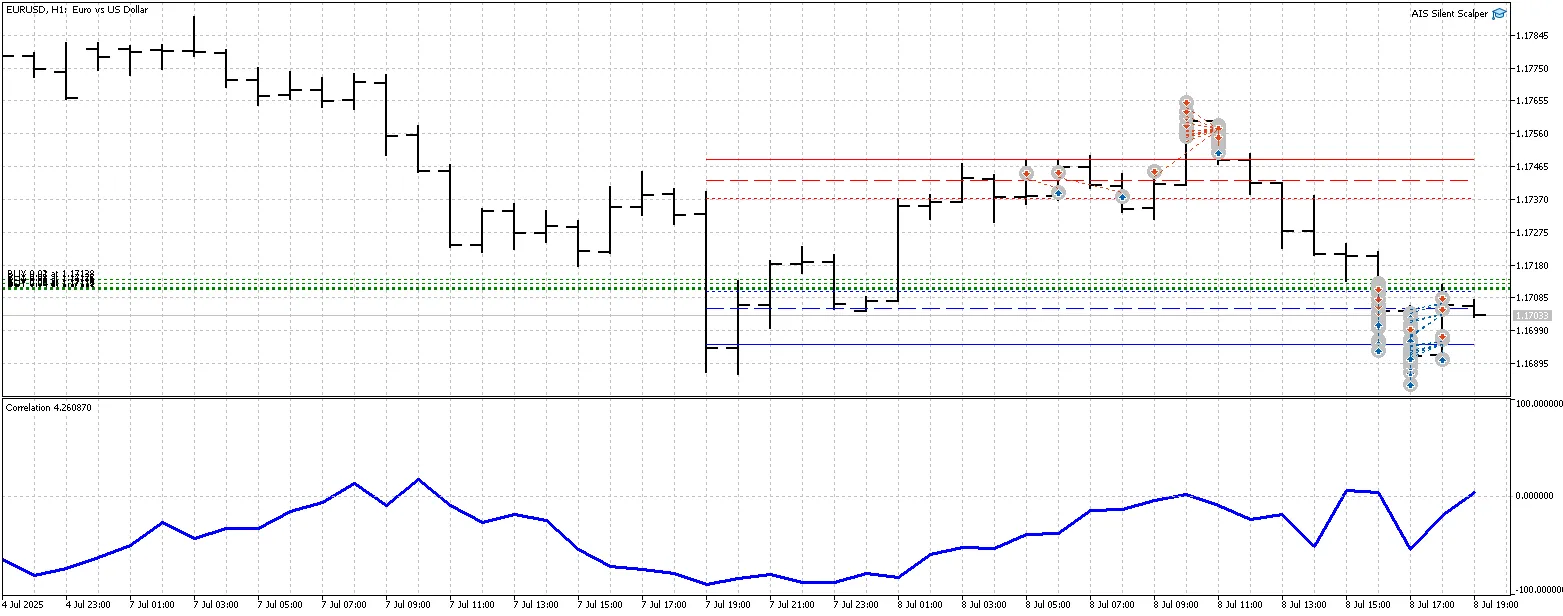
As traders, we all know that understanding our performance is key to success. The EQ indicator for MetaTrader 5 is designed to help you visually analyze your trading performance, especially when it comes to spread and equity trading. OBJECTIVE: Identify volatility-flattening scenarios for spread and equity trading. Conduct a visual analysis of spread trading efficiency. Pinpoint entry and exit points for equity trading. HOW IT WORKS: Volume and direction are set for each active pair. Cumulative profit and loss from all positions are calculated. The results are displayed as an equity line in a subwindow. HOW TO USE THE EQ INDICATOR: Set up volumes, directions, and activate the currency pairs you want to trade. If needed, specify the symbol suffix. Decide on the depth of the drawing history in bars. Optionally, set your initial balance. IMPORTANT NOTES: The calculations do not factor in spreads, commissions, or swaps. The number of symbols is limited. This indicator is still in the experimental phase, and performance optimization is a work in progress. Understanding how the EQ indicator functions is crucial for any trader looking to master spread/equity trading. Currently, I'm exploring the intricacies of this technique, and it’s a journey filled with learning. You can find more discussions on this topic at this forum thread. NEXT STEPS: Conduct a visual analysis of flat strategies from channel boundaries. Consider adding optional indicators like Bollinger Bands or Dynamic Levels. Develop a dashboard to display all available symbols on your chart, allowing for real-time customization of the EQ indicator. Automate the identification of optimal portfolio designs for spread/equity trading, which is crucial for maximizing profits. Create your own Expert Advisor (EA) based on favorable results from your strategies. PS: Feel free to share your thoughts, insights, or experiences with the EQ indicator either here or in the forum thread. Collaborating can lead to even better implementations of this tool!

2025.07.30
Mastering the Boom Index Spike Pattern for MetaTrader 5
MetaTrader5
Mastering the Boom Index Spike Pattern for MetaTrader 5

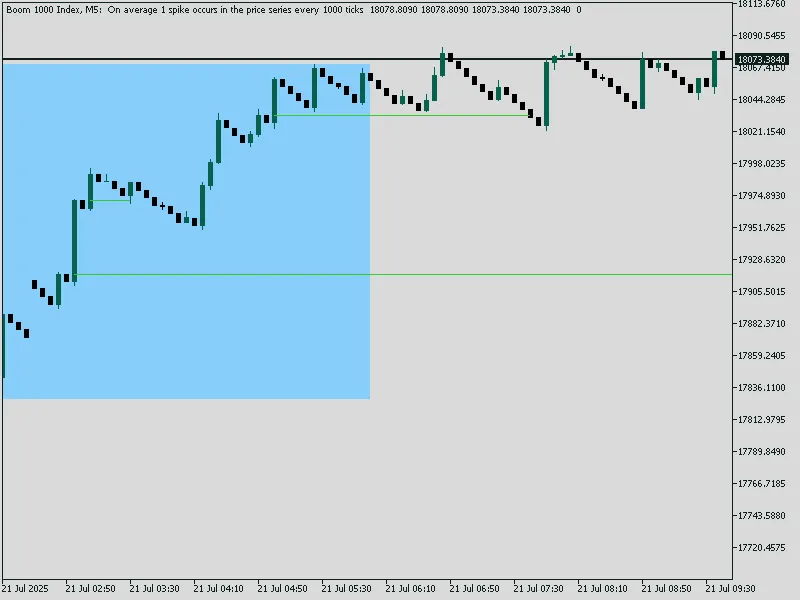
Hey there, fellow traders! If you're diving into the Boom Index arena, you’ll want to get the hang of the Spike Pattern, especially when using MetaTrader 5. Let’s break it down! Bullish Spike Pattern Detection This pattern is a classic 3-bar setup: 1st candle: A solid green candle with a large body (this is your bullish spike). 2nd candle: A red candle indicating a pullback. 3rd candle: Another green candle with a large body, confirming the bullish spike. When this setup appears, it creates a zone. Zone Creation A blue rectangle is drawn covering the high and low of the 3 candles. A lime green horizontal entry line is placed at the open price of the middle (2nd) candle. This line extends well into the future until the price returns. Inputs Explained mq5 input color BoxColor = clrBlue; // Color of the 3-candle pattern box input color EntryLineColor = clrLime; // Color of the entry line input ENUM_LINE_STYLE EntryLineStyle = STYLE_SOLID; // Style of the entry line input int BoxWidth = 2; // Width of box border input int EntryLineWidth = 2; // Width of entry line input int EntryLineLength = 200; // How far the entry line extends These inputs give you complete control over the appearance of the box and entry line. Core Idea We’re on the lookout for a 3-candle bullish pattern: 1. First candle – a strong bullish spike 2. Second candle – a bearish retracement 3. Third candle – another strong bullish spike Once this pattern is spotted, we draw: - A box around the pattern - A horizontal line at the open of the 2nd candle (entry point) When the price returns to that line (we call this

2025.07.21
Mastering the Crash Spike Trade Pattern with MT5 Indicator
MetaTrader5
Mastering the Crash Spike Trade Pattern with MT5 Indicator

Welcome to the world of trading! Today, we're diving into a powerful MT5 indicator that helps you spot Crash market spike patterns through a unique 3-candle formation. Understanding the Spike Pattern The pattern consists of a Red-Green-Red candle formation, where the red candles represent strong spikes, and the green candle indicates a retracement in between. Once this pattern is identified, the indicator draws a box around the high and low of these three candles. It also places a horizontal entry line at the open price of the middle candle. This entry line remains active until the price returns to that level, signaling a potential trade opportunity. Once the entry price is reached, the entry line is replaced by a shorter fixed line that connects the pattern to the mitigation candle. This nifty tool works on both historical and real-time candles. It visually assists in identifying potential return-to-zone trading opportunities. Input Parameters Input Name Description BoxColor Color of the zone box (default: Red). LineColor Color of the entry line (default: Dodger Blue). BoxWidth Thickness of the zone box border. LineWidth Thickness of the entry line. BoxStyle Style of the box border (solid, dashed, etc.). LineStyle Style of the entry line (solid, dashed, etc.). Spotting the Bearish Spike Formation Now, let's break down the specific bearish spike formation that this indicator detects: Candle 1: Bearish (Red candle). Long wick. The body must be greater than 70% of the total candle range (indicating a strong spike). Candle 2 (Middle): Bullish (Green candle). Can be any size; just needs to be positive. Candle 3: Bearish again. Same condition as Candle 1: body must be > 70% of the full range. When this pattern is identified: The indicator highlights a "supply zone" formed by aggressive selling. A box is drawn around the high and low of the three candles. An entry line is drawn at the open price of the middle (green) candle, anticipating price to return. Core Strategy Concept This indicator is rooted in the Smart Money Concept (SMC), particularly focusing on mitigation zones and supply/demand imbalances. After a strong bearish impulse, price often retraces back to the origin of the move (the middle candle). The indicator visually marks this area as a “mitigation zone”. When price returns to this zone (entry line), it's considered "mitigated", and traders can look for re-entry or a market reaction. After mitigation, the entry line is removed for a cleaner chart, and a shorter line is drawn to indicate mitigation. Practical Application Look for return-to-box trades. This strategy can be effectively used for sell setups on Crash markets (or Boom with inversion). It pairs excellently with other indicators (like EMA, OBV, or order block confirmations).

2025.07.21
SuperTrend Indicator for MetaTrader 5: Your Go-To Tool for Trend Detection
MetaTrader5
SuperTrend Indicator for MetaTrader 5: Your Go-To Tool for Trend Detection

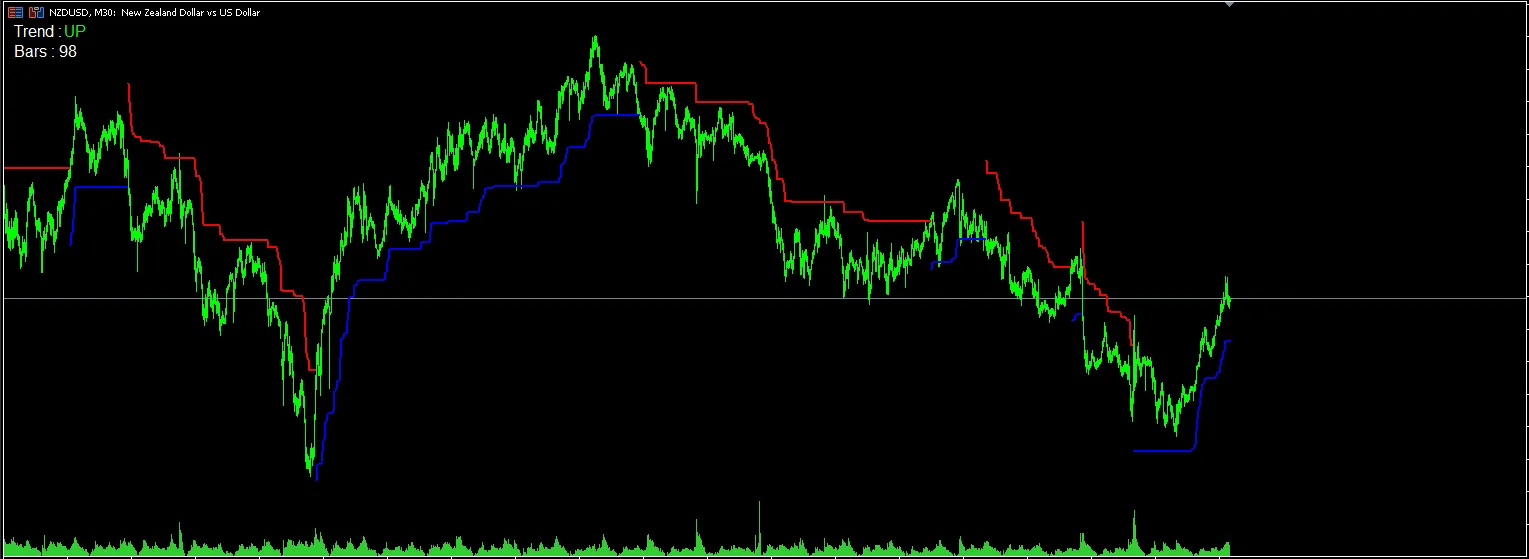
SuperTrend Indicator – Precise Trend Detection Made Simple Overview The SuperTrend Indicator is a fantastic tool that sits right on your price chart, giving you real-time insights into trend direction along with high-probability entry and exit signals. Whether you're a scalper, swing trader, or looking to make moves during the day, this indicator adjusts to market volatility using the ATR (Average True Range), ensuring you're quick to spot trend reversals. Key Features Real-time trend shifts highlighted with colored signals Clear buy/sell signals based on price crossing the trend line Built-in smoothing that filters out market noise Compatible across all timeframes and instruments (Forex, stocks, crypto, indices) Perfect for both newbies and seasoned traders Easily integrates with any trading strategy (like EMA, price action, support/resistance) Input Parameters Parameter Description ATR Period  Sets the number of bars used to calculate the Average True Range. Default: 10 Multiplier The factor applied to the ATR to adjust the SuperTrend line. Default: 3.0 Price Type Selects which price to apply the ATR (e.g., Close, High/Low, etc.) Line Width Controls the thickness of the SuperTrend line Color Settings  Customize colors for uptrends and downtrends for better visibility How to Use Buy Signal: When the price closes above the SuperTrend line, it indicates a bullish trend. Sell Signal: When the price closes below the SuperTrend line, it signals a bearish trend. For the best results, combine with other indicators (like RSI, EMA, or candlestick patterns). Best Practices Stick to using it on H1 or higher for clearer trend detection. Consider adding ATR or Volume indicators for extra context. Use the SuperTrend as a confirmation tool in a multi-indicator strategy or go solo for trend-following. Take Your Trading to the Next Level The SuperTrend Indicator is your ally in staying on the right side of the market while cutting through the noise. Whether you’re trading breakouts, trends, or pullbacks, this tool lends clarity and precision to your trading charts.

2025.07.19
Mastering Trades with 2 Moving Averages and Bollinger Bands on MetaTrader 5
MetaTrader4
Mastering Trades with 2 Moving Averages and Bollinger Bands on MetaTrader 5

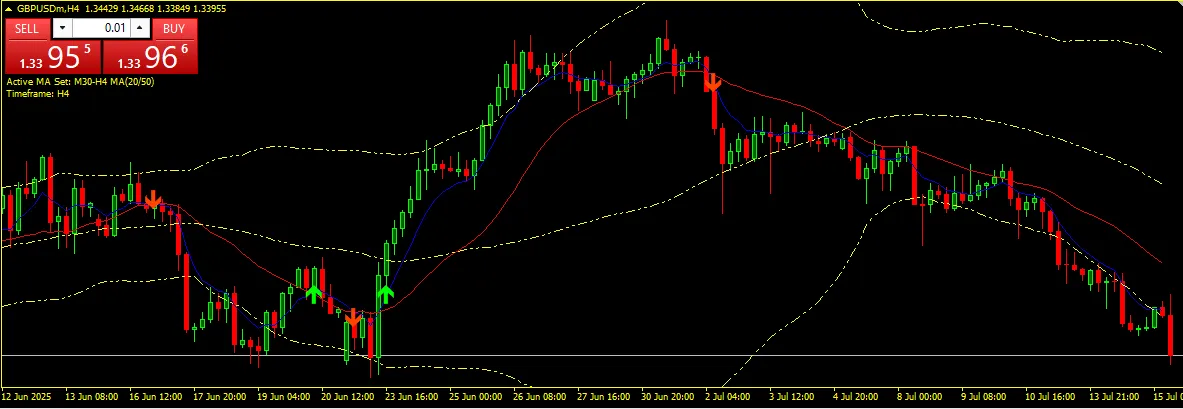
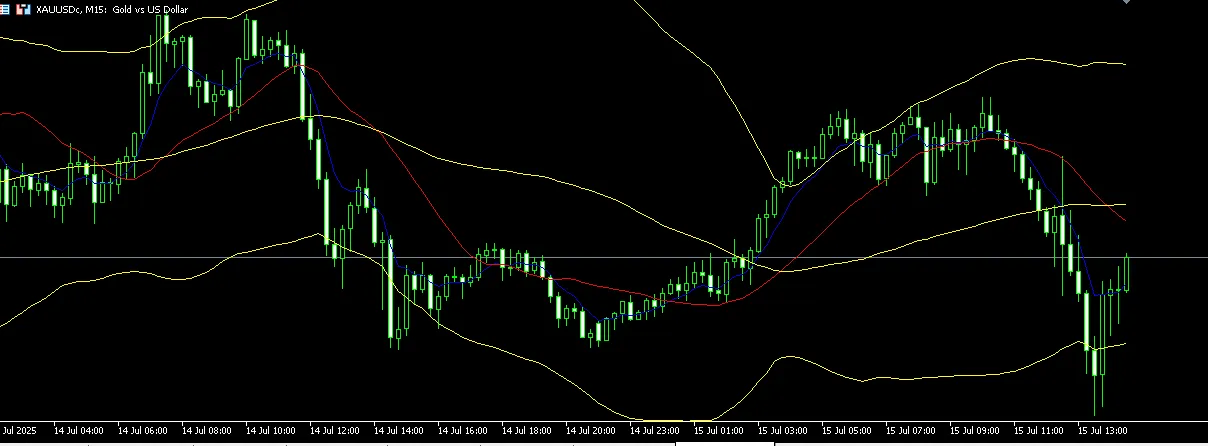
2 Moving Averages with Bollinger Bands is an incredibly versatile technical analysis tool for MetaTrader 5 (MT5) that marries two timeless trading strategies: moving average crossovers and Bollinger Bands. This combo can really up your trading game! 📌 Key Features: ✅ Configurable two moving averages (fast/slow): Easily customize the period, method (SMA, EMA, SMMA, LWMA), and price applied. ✅ Buy and Sell arrows based on crossover logic: A Buy signal pops up when the fast MA crosses above the slow MA. A Sell signal appears when the fast MA crosses below the slow MA. ✅ Optional alert system: Chart alerts to keep you in the loop. Sound alerts (alert.wav) for immediate notification. Email notifications to stay updated on the go. ✅ Integrated Bollinger Bands: Upper, Middle, and Lower Bands are clearly displayed. Fully customizable: choose your period, deviation, price, style, and shift. ✅ Works seamlessly on any symbol and time frame. ✅ Clean, non-repainting logic based on closed candles ensures reliable signals. ✅ Perfect for scalping, swing trading, or following trends. 📊 Use Case: This indicator is a great asset for traders looking to spot potential trend reversals and entry points using moving average crossovers. Plus, it helps you visually keep tabs on volatility and price channels with the Bollinger Bands. You can even use it on its own or layer it with other indicators like RSI or CCI for more sophisticated setups. ⚙️ Input Settings Overview: MA1 Settings (Fast MA): Period, Method, Price MA2 Settings (Slow MA): Period, Method, Price Bollinger Bands Settings: Period, Deviation, Shift, Style, Width, Price Alerts: Manage chart, sound, or email alerts easily. ⚠️ Disclaimer: Keep in mind, this indicator does not guarantee winning trades. Always implement proper risk management and strategy testing. The developer isn't liable for any financial losses that may occur. Download for MT5 now! You can find it here: 2 Moving Averages with Bollinger Bands

2025.07.16
Mastering Trading with the 2 Moving Averages and Bollinger Bands Indicator for MT5
MetaTrader5
Mastering Trading with the 2 Moving Averages and Bollinger Bands Indicator for MT5

Are you looking to level up your trading game? The 2 Moving Averages with Bollinger Bands indicator for MetaTrader 5 (MT5) is your go-to tool! This custom indicator marries two powerful trading strategies: moving average crossovers and Bollinger Bands, giving you the edge you need in the market. 📌 Key Features: ✅ Configurable Moving Averages: Tailor your fast and slow moving averages with customizable periods, methods (SMA, EMA, SMMA, LWMA), and applied prices. ✅ Buy and Sell Signals: Get real-time arrows on your chart! A Buy signal pops up when the fast MA crosses above the slow MA, while a Sell signal appears when it crosses below. ✅ Alerts System: Never miss a beat with chart alerts, sound notifications, and even email alerts! ✅ Bollinger Bands Integration: Visualize volatility with upper, middle, and lower bands that you can customize to fit your strategy. ✅ Versatility: Works seamlessly on any symbol and timeframe, making it suitable for scalping, swing trading, or trend-following strategies. ✅ Reliable Logic: Clean, non-repainting signals based on closed candles to ensure you’re making informed decisions. 📊 Use Case: This indicator is designed to help you pinpoint potential trend reversals and entry points through moving average crossovers while keeping an eye on volatility and price channels using Bollinger Bands. It works great on its own or can be paired with additional indicators like RSI or CCI for a more robust trading setup. ⚙️ Input Settings Overview: MA1 Settings (Fast MA): Period, Method, Price MA2 Settings (Slow MA): Period, Method, Price Bollinger Bands Settings: Period, Deviation, Shift, Style, Width, Price Alerts: Enable/Disable chart, sound, or email alerts ⚠️ Disclaimer: While this indicator is a powerful tool, it doesn’t guarantee winning trades. Always practice good risk management and thoroughly test your strategies. Remember, the developer is not responsible for any financial losses.

2025.07.16
First Previous 1 2 3 4 5 6 7 8 9 Next Last