
Introduction
Since 2008, many brokers have transitioned to offering "floating" spreads. You'll often notice these spreads widening overnight or during significant news events, which can impact your trading strategy.
When spreads increase, some trading systems may struggle to remain profitable. The stop levels can also rise significantly, leading to issues for those using Expert Advisors (EAs) with fixed Stop Loss and Take Profit settings.
In MetaTrader 4, the Strategy Tester relies on the last known values for spreads, stop levels, and freeze levels, which directly affect your backtesting results. On the other hand, the MetaTrader 5 Strategy Tester utilizes historical spread data, providing a more comprehensive view of past market conditions.
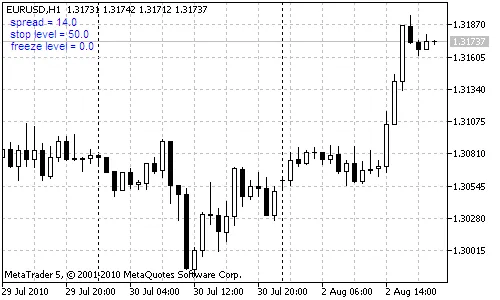
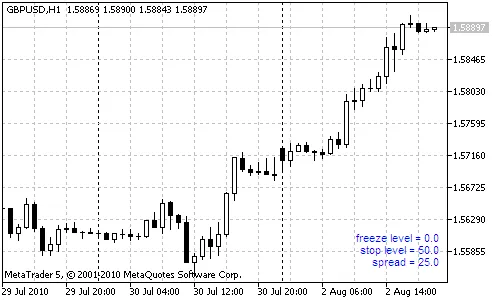
The spread_on_chart indicator is a handy tool that displays key metrics right on your chart:
- Spread: The difference between the current Ask and Bid prices;
- Stop Level: The minimum distance from the current price to your Stop Loss and Take Profit;
- Freeze Level: The minimal distance required for modifying orders.
This indicator updates in real-time with every tick, giving you the most accurate information while you trade.
Input Parameters:
- Corner: Select the chart corner for the output; by default, it appears in the upper left corner;
- XMargin, YMargin: Set horizontal and vertical margins;
- Font, Color, Size: Customize the font name, color, and size for better visibility.
File List:
- spread_on_chart.mq4 - (MetaTrader 4).




Comments 0