
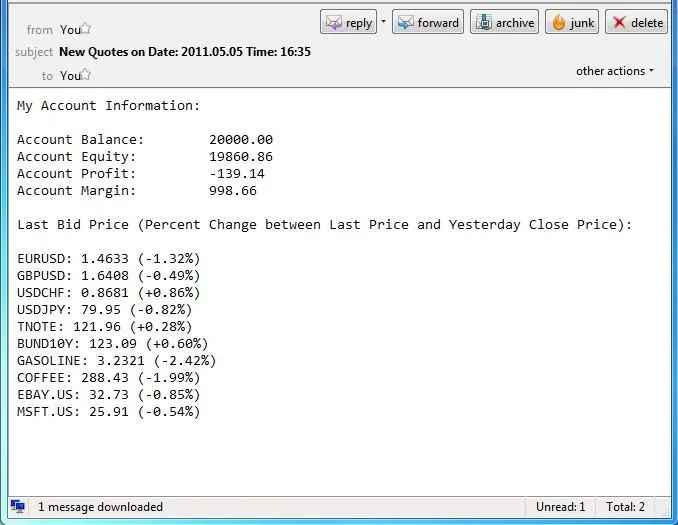
Are you looking for a hassle-free way to get your price quotes delivered right to your inbox? Look no further!
This nifty Expert Advisor (EA) makes it a breeze. All you need to do is set the frequency for the emails (in minutes) and specify the symbols you want included in your email.
Once that's done, simply compile the EA and drop it onto an active chart. It’s best to use a EURUSD chart since the FOREX market is open 24/5, ensuring that the EA can operate smoothly. If you ever want to pause the email notifications, there’s no need to remove the EA from the chart. Just set the frequency to 0 (zero), compile the EA, and it will stop sending emails.
This EA is designed to be efficient, running only when it’s time to send an email and remaining in a low-resource state at all other times. So, you can trade without worrying about your PC slowing down!
Important Note: Before you can use this EA, make sure you’ve enabled and configured the email settings in MetaTrader 4. Go to TOOLS >> OPTIONS >> EMAIL to set this up.
************************
WARNING: This EA may encounter issues under certain conditions, such as:"Mail: 451 Invalid SMTP line - Should end with CRLF"
If you see this error in your MT4 Journal, it could be due to the EA’s code structure not being supported by some email servers, especially those like Yahoo that enforce strict email standards. If your EA isn't sending emails as expected, consider using a different email account that supports a more complex SMTP coding.
************************




Comments 0