
If you’re trading on MetaTrader 5, the Show Pips indicator is a must-have tool to keep your finger on the pulse of your account's performance.
This handy indicator provides real-time data, including your profit in pips, as well as the corresponding percentage and currency values. Plus, it shows the current spread for your trading pair and counts down the time until the bar closes in your chosen timeframe.
You have the flexibility to choose where the information displays:
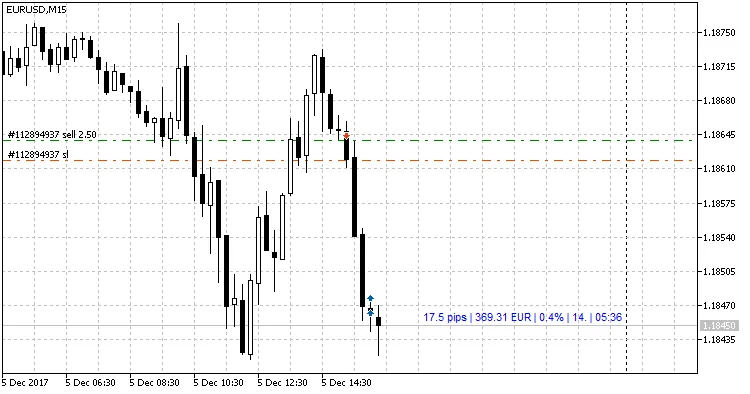
- Next to the price (it moves along with it);
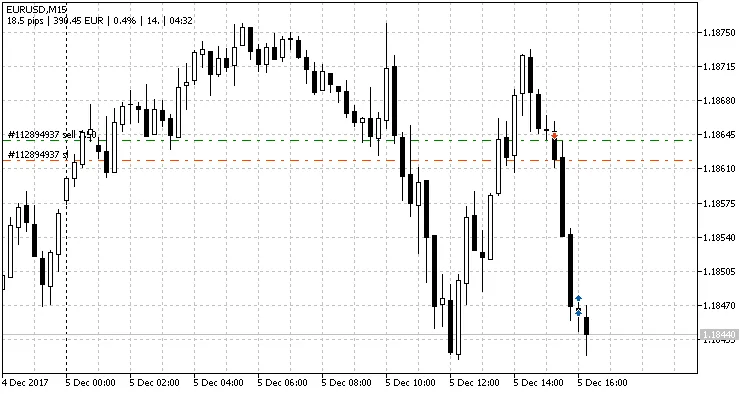
- As a comment in the upper left corner of the chart;
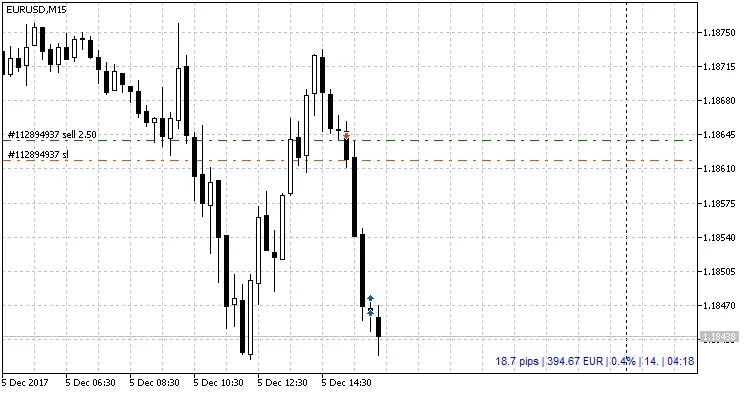
- In a designated corner of your screen.
Need to customize how the info looks? You can also pick from various data separators:
- |
- /
- .
- \
- #
What’s great about this indicator is its user-friendly design. You can easily toggle off any information you don't need in the settings.
Parameters
- Type of appearance: Choose how the info line looks. There are three options:
- Follow the price: Moves with the price;
- As comment: Displays as a comment;
- In selected corner of the screen: Shows in your chosen corner.
- Graph corner for attachment: If you choose 'In selected corner of the screen', this lets you pick which corner to use;
- Show profit?: Toggle to display your profit in the account currency;
- Show profit in percentages?: Toggle to show profit as a percentage;
- Show spread?: Toggle to display the current spread;
- Show time to bar closure?: Toggle to see how much time is left until the bar closes;
- Text color: Set the color of the text;
- Profit color: Set the color for when you have floating profit;
- Loss color: Set the color for when you have floating loss;
- Separator: Choose the line data separator (options: "|", "/", ".", "\", or "#");
- Y coordinate: Set the Y coordinate if you're using 'In selected corner of the screen';
- Indent in bars: Set how far from the current bar the info should appear (if 'Follow the price' is selected);
- Font size: Adjust the size of the text;
- Font: Choose your preferred text font.
You can grab the MetaTrader 4 version of this indicator here.
Display Examples




Comments 0