
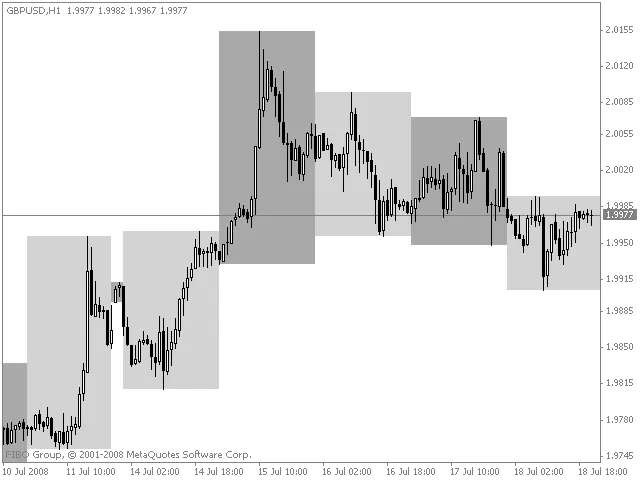
Hey traders! Let’s dive into a neat feature that can make your trading charts not only more informative but also visually appealing. You can customize the number of days to color on your chart and even select the colors that suit your style.
Setting Up Your Colored Days
- No_of_days_to_colour: This is where you specify how many days you want to highlight on your chart.
- Colour1: Choose your first color for the highlighted days.
- Colour2: Select a second color for additional customization.
Using colored days can help you quickly spot trends and make informed decisions. Whether you're day trading or holding positions longer, this technique can really enhance your charting experience.




Comments 0