
Hey fellow traders! Today, let's dive into the Float Pivot Smoothed Digit Indicator and how it can enhance your trading strategy on MetaTrader 5.
This nifty indicator comes with a timeframe selection feature, allowing you to customize your trading experience. Here’s a quick look at how you can set it up:
inputENUM_TIMEFRAMES TimeFrame=PERIOD_H4; // Select the indicator chart period (timeframe)
To get this indicator up and running, make sure to place the Float_Pivot_Smoothed_Digit.ex5 file into the <terminal_data_directory>\MQL5\Indicators folder of your MetaTrader installation.
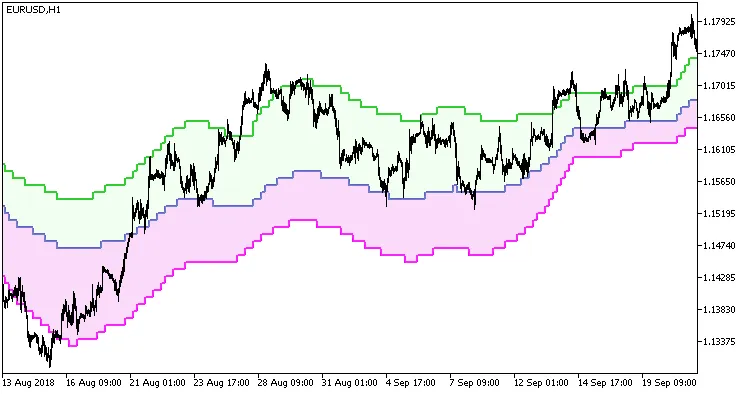
Fig.1. Float Pivot Smoothed Digit Indicator in Action.
With the Float Pivot Smoothed Digit Indicator, you can fine-tune your trading decisions and keep your edge in the market. Happy trading!




Comments 0