
Welcome back, fellow traders! Today, we’re diving into a fantastic tool that can enhance your trading game: the CCI Indicator for MetaTrader 5. This is part of our ongoing series about indicators that can refine your trading strategies and reduce false signals.
The CCI, or Commodity Channel Index, traditionally uses 'raw' prices, but we’re going to take it a step further. By default, this version taps into an average of prices instead, which helps filter out some of those pesky false signals. Plus, incorporating dsl (Dynamic Signal Lines) can further improve your filtering process!
Key Options for Using CCI
Here’s a quick overview of the options you’ll have at your fingertips:
- Choose Your Price Average: You can select the type of average to filter prices:
- Simple Moving Average (SMA)
- Exponential Moving Average (EMA)
- Smoothed Moving Average
- Linear Weighted Moving Average
- Set Your Display Type: Adjust how the indicator appears on your chart.
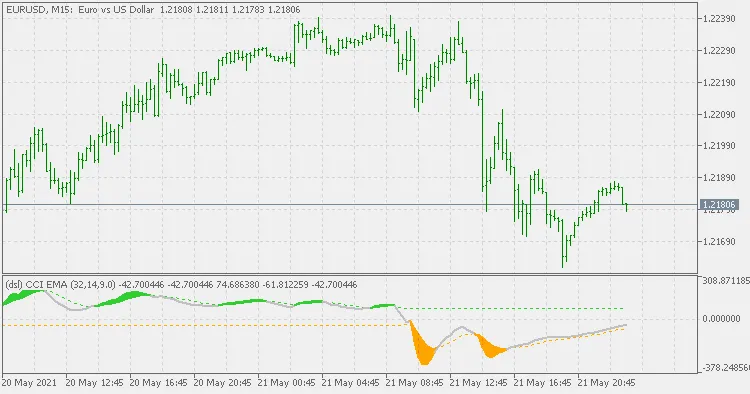
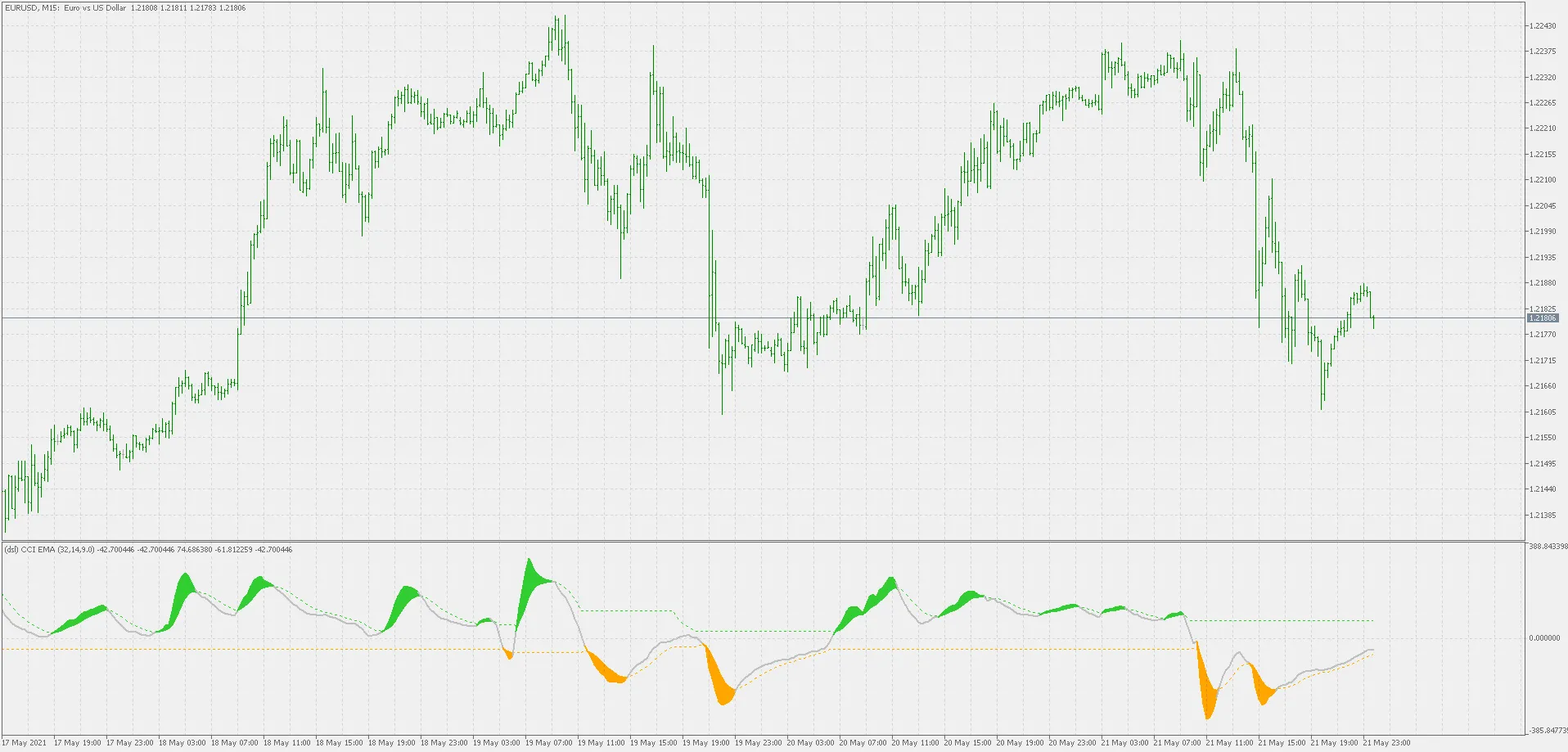
- Consider using color changes in the indicator as signals for different market states.
- The default period of 9 for dsl is a balanced choice:
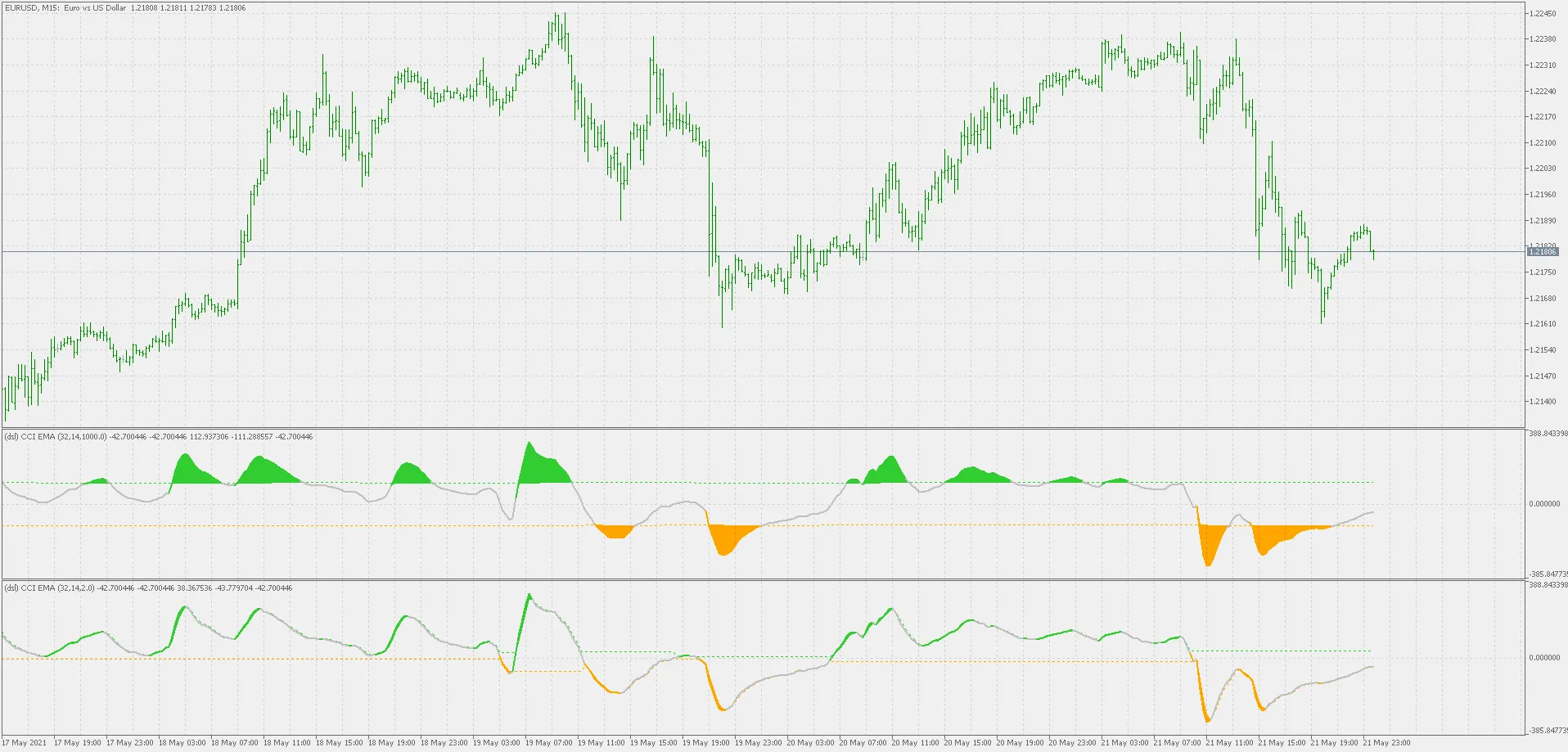
- If you want to work with fixed levels, opt for a longer dsl period. Don’t worry; this won’t strain your CPU!
- For a closer take on slope while still respecting the zero line, try a shorter period. This could be beneficial if you’re employing classic Woodies strategies on lower time frames.
- Setting the dsl period to
- Using an averaging period of
So there you have it! The CCI Indicator with the dsl feature can be a game changer for your trading strategies. Don’t hesitate to experiment with different settings to find what works best for you. Happy trading!




Comments 0