
Welcome back, fellow traders! Today, we’re diving into the SSL Channel Chart Alert Indicator. This powerful tool can help you stay on top of your trades and make informed decisions.
Key Parameters
Here’s a quick rundown of the main parameters you can customize:
- Lb: Set to
10. This adjusts the lookback period for the indicator. - alertsOn: Currently set to
false. This means alerts are turned off by default. - alertsMessage: Set to
true. You’ll receive message alerts when conditions are met. - alertsSound: Currently
false. No sound alerts unless you change this setting. - alertsEmail: Also set to
false. Email notifications are off for now.
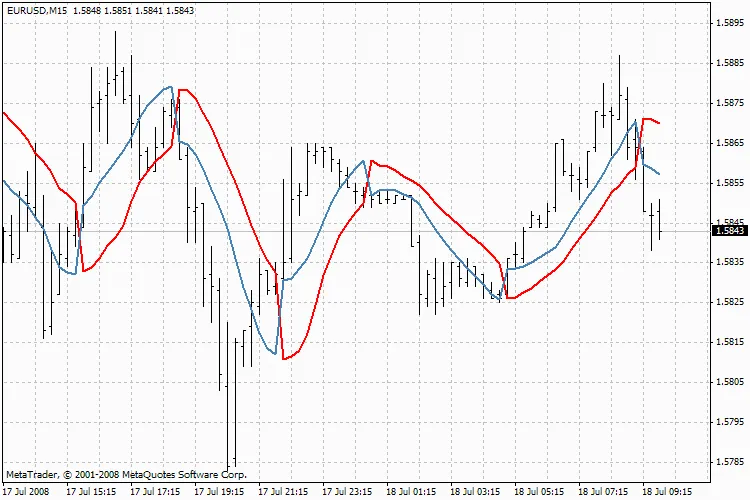
SSL Channel Chart Alert Indicator
Using this indicator effectively can enhance your trading strategy, helping you to catch trends and reversals. Keep it in your toolkit and adjust these parameters to fit your trading style!




Comments 0