
If you’re looking to enhance your trading strategy, the Fibonacci EA is a powerful tool that can help you capitalize on market retracements. This Expert Advisor (EA) is designed for MetaTrader 4 and works seamlessly across all major forex pairs and NASDAQ stocks, regardless of the time frame.
Getting Started
- Be sure to test it on a demo account first to get a feel for its performance.
- This EA focuses exclusively on the open price of each candle, ensuring precise entry points.
- If you prefer not to increase your lot size after a losing trade, simply set IncreaseFactor=0.
Key Inputs to Consider
- Use_TP_In_Money: Enable or disable Take Profit in monetary terms (true/false).
- TP_In_Money: Set your Take Profit target in money (values: 10-100).
- Use_TP_In_percent: Enable or disable Take Profit in percentage (true/false).
- TP_In_Percent: Set your Take Profit target in percentage (values: 10-100).
- Enable_Trailing: Activate trailing stop with money (true/false).
- Take Profit In Money: Specify your Take Profit in your current currency (values: 25-300).
- Stop Loss In Money: Define your Stop Loss in your current currency (values: 1-20).
- Exit: Close trades if the trend turns against you (true/false).
- Lots: Set your lot size (values: 0.01-1).
- Stop_Loss: Define your Stop Loss (values: 30-500).
- MagicNumber: Your unique identifier for this EA (values: 1-100000).
- TakeProfit: Set your Take Profit (values: 50-200).
- Max_Trades: Control the maximum number of trades (1-12).
Optimize for Success
To ensure you’re getting the best performance from your Fibonacci EA, it’s a good idea to optimize the settings every few months. You can use it as a hedging grid EA or as a single trade EA, depending on your trading style.
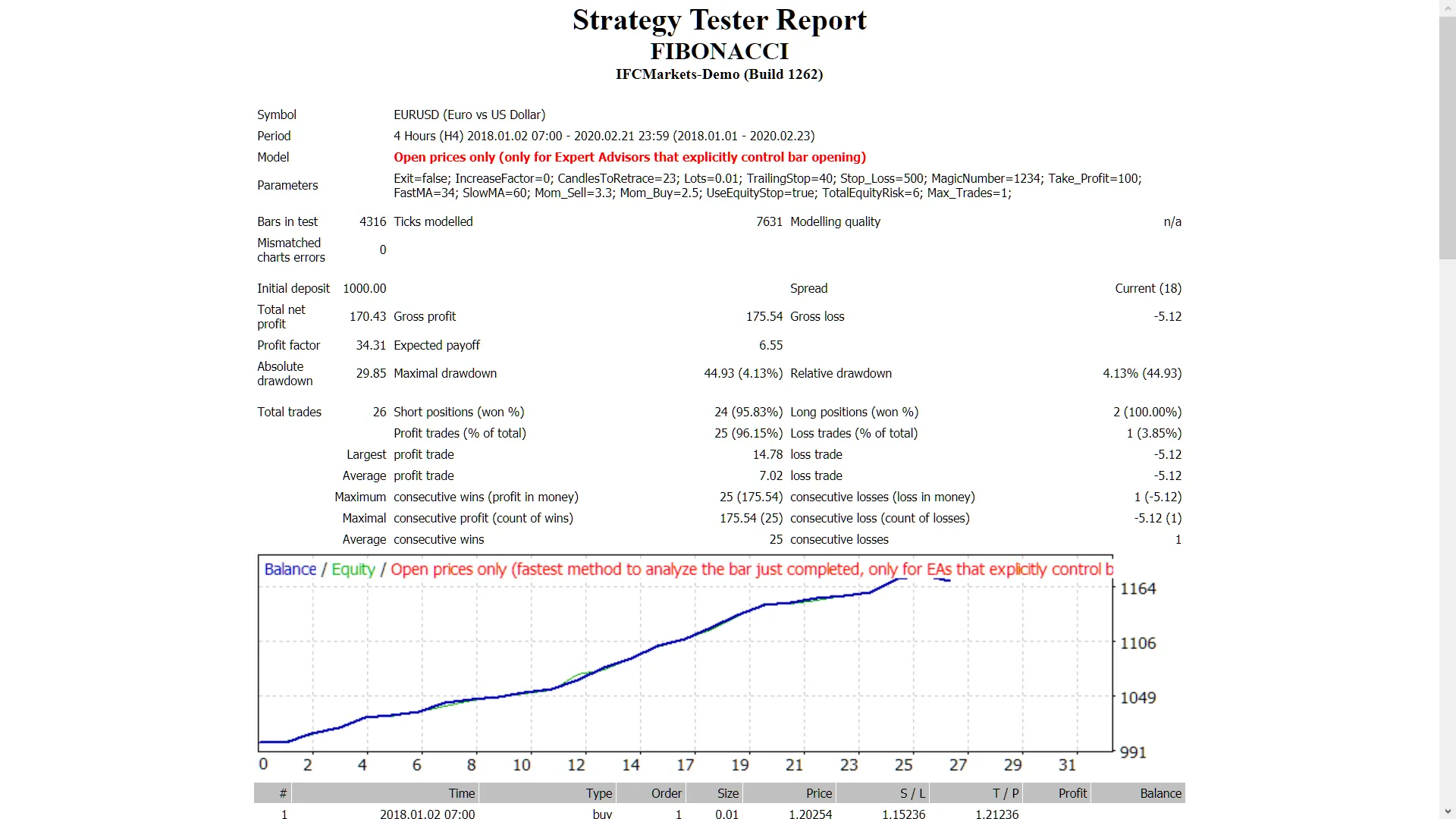
Back Testing
Want to see how the EA performs in different market conditions? Check out this guide on backtesting strategies.




Comments 0