
Hey traders! Today, I want to dive into the ColorZerolagX10MA_StDev indicator, a handy tool that can enhance your trading strategy on MetaTrader 5.
This indicator comes with a timeframe selection option, which you can easily adjust in the input parameters:
input ENUM_TIMEFRAMES TimeFrame=PERIOD_H4; // Set your preferred timeframe for the indicator
To get started, you’ll need to have the ColorZerolagX10MA_StDev.mq5 file. Make sure to add it to your <terminal_data_folder>\MQL5\Indicators directory. This will ensure the indicator runs smoothly.
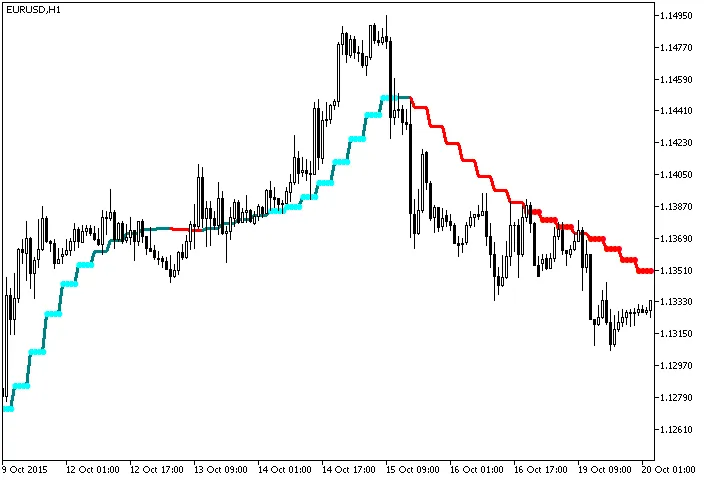
Fig.1. The ColorZerolagX10MA_StDev_HTF indicator
This indicator can be a game changer for your trading setup, especially if you’re looking to stay ahead in the market. Give it a try and see how it fits into your strategy!




Comments 0