
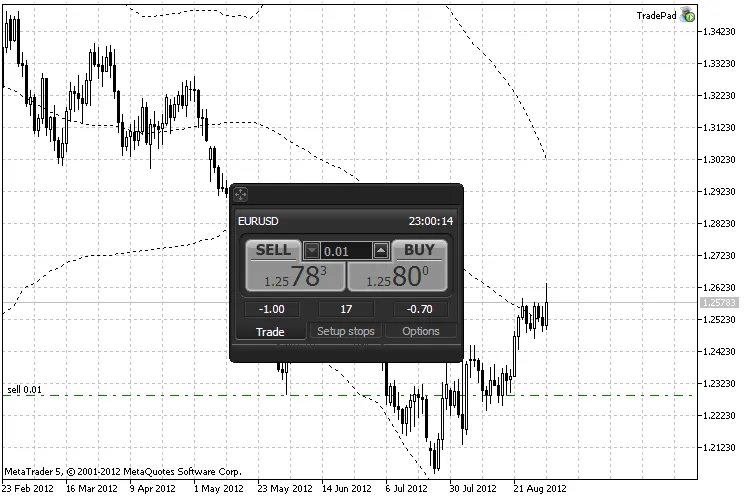
If you're looking to streamline your trading process on MetaTrader 5, the Fast Trading Panel is your go-to tool. Installing it is a breeze! Just follow these simple steps:
- First, download the TradePad.zip file.
- Next, extract the contents of the zip file to your MetaTrader 5 installation directory. Typically, this is found at C:\Program Files\MetaTrader 5.
- Once extracted, launch MetaTrader 5 and you’ll be ready to take your trading to the next level!
The Fast Trading Panel is designed to enhance your trading experience, giving you quick access to your favorite tools and charts. Get ready to make trading smoother and more efficient!




Comments 0