
If you're diving into the world of algorithmic trading, you might find the concept of memory-mapped files quite fascinating. Today, let’s explore how to utilize an Expert Advisor (EA) that leverages this feature for quotes monitoring in MetaTrader 5.
This EA serves as an excellent example of using the Memory Mapping DLL to work seamlessly with File Mapping functions.
In this setup, the Expert Advisor creates a virtual (memory-mapped) file and continuously updates the quotes for a selected symbol. This method allows your EAs to exchange data—like quotes—using a common memory-mapped file, making it an efficient way to manage real-time market information.
What’s great is that the format of the memory-mapped file is consistent with what’s used in the MetaTrader 4 Expert Advisor. This means you can easily share quotes between MetaTrader 5 and MetaTrader 4.
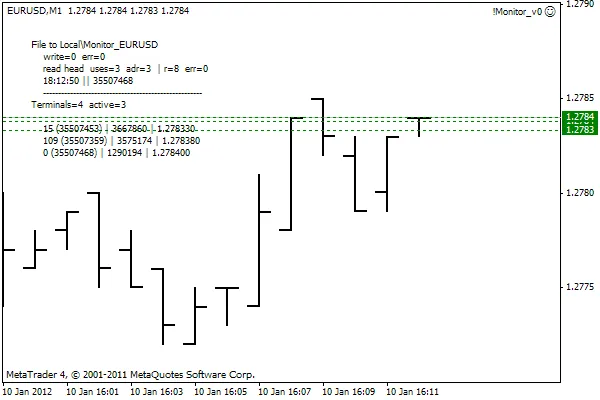
Additionally, this approach can be adapted for other types of data exchanges, enhancing the functionality of your trading systems.
The provided code comes with detailed comments and logs to help you understand each part of the process. Remember to place the MemMap32/64.dll library (found in MemMap32/64.zip) in your terminal's data folder at terminal_data_folder\MQL5\Libraries for everything to run smoothly.




Comments 0