
Part 5: Crafting Applications with MQL5
Welcome back, fellow traders! In this installment of "Part 5: Crafting Applications with MQL5", we’re going to dive deep into the exciting world of algorithmic trading. We'll cover everything from financial data analysis to chart visualization, automation, and user interactions.
First off, let’s break down the essentials of creating MQL programs. We’ll explore the various event types, features, and models that you can find in the MetaTrader terminal. You’ll also learn how to access time series data, manipulate charts, and work with graphical objects. Plus, we’ll touch on the principles for crafting and applying each type of MQL program.
The MetaTrader 5 platform is pretty versatile, supporting five different types of programs: technical indicators, Expert Advisors (or EAs for short), scripts for one-off tasks, services that run in the background, and libraries for those specialized functional modules.
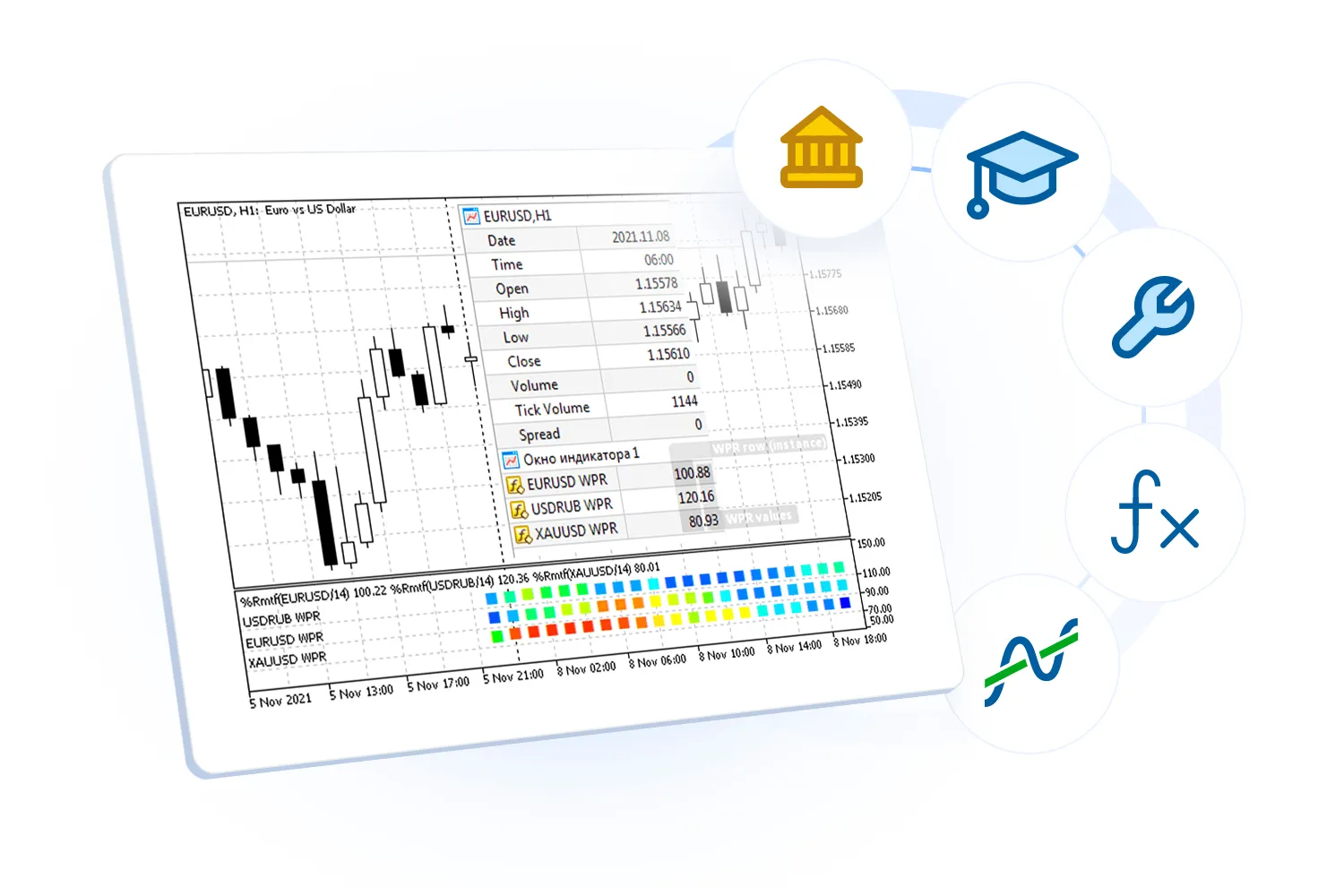
Next, we’re going to get our hands dirty with indicators and charts. We’ll learn some nifty techniques that are also relevant for building Expert Advisors. Don’t worry; the development of EAs will be the focus of the next part of our series. We’ll get into the nitty-gritty of automating orders, formalizing trading strategies, and even testing and optimizing them using historical data.
We’ll also discover how to utilize the built-in standard indicators and how to whip up custom applications from scratch or modify existing indicators. Just a heads-up: all compiled programs will show up in the Navigator of MetaTrader 5, except for EX5 libraries, which are used by other programs but won’t be visible in the Navigator themselves.
By the end of this journey, you’ll have a solid grasp of what MQL5 can do for you in the realm of algorithmic trading. This knowledge will empower you to work more effectively with financial data, creating your own trading indicators and Expert Advisors.




Comments 0