
If you're looking to enhance your trading strategy, the Multi Timeframe Moving Average (MTMA) indicator in MetaTrader 4 is a fantastic tool to consider. This indicator allows you to see the moving average across different timeframes, giving you a broader perspective on market trends.
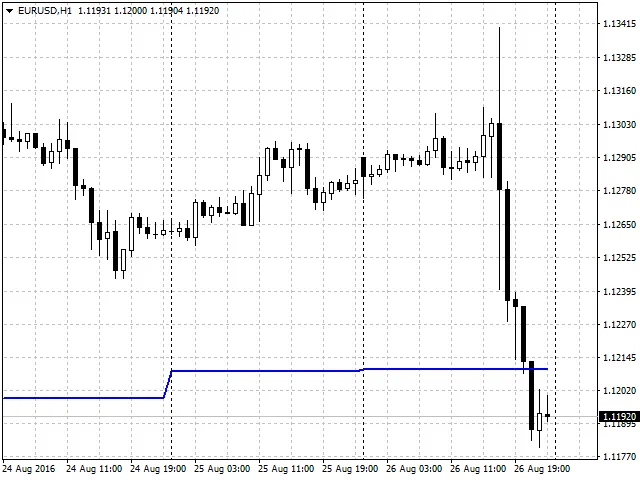
Using the MTMA can really help you identify potential entry and exit points, as it smooths out price data and helps filter out market noise. Here’s a quick rundown of how to get started:
- Choose Your Timeframes: Decide which timeframes you want to analyze. Common choices are H1 (hourly), H4 (4-hour), and D1 (daily).
- Set Up the Indicator: Add the MTMA indicator to your chart in MetaTrader 4. Make sure to adjust the settings according to your trading strategy.
- Analyze the Data: Look for convergence between the moving averages across different timeframes. This can signal a strong trend or potential reversal.
In conclusion, the Multi Timeframe Moving Average is a great addition to any trader's toolkit. It provides valuable insights that can help you make more informed trading decisions. Happy trading!




Comments 0