
Hey there, fellow traders! Today, we’re diving into the ASAR Indicator, also known as the Advanced Parabolic Time/Price System. This tool is a step up from the classic Parabolic SAR, offering a range of customizable settings that can really enhance your trading strategy.
Let’s break down the seven adjustable parameters you’ll find:
- Price Mode - This is how you choose the price for your calculations:
- Defined - Select a price from the provided list.
- High/Low - Use the high and low prices in your calculations.
- Applied Price - This is the list of prices you can choose from when in Defined mode.
- Start - Set the initial value for the acceleration factor increment step.
- Step - Define the increment step for the acceleration factor.
- Max - Set the maximum value for the acceleration factor.
- Filter - Apply a noise filter to smooth out price fluctuations.
- Min Change - Determine the minimum change in price that will be recognized.
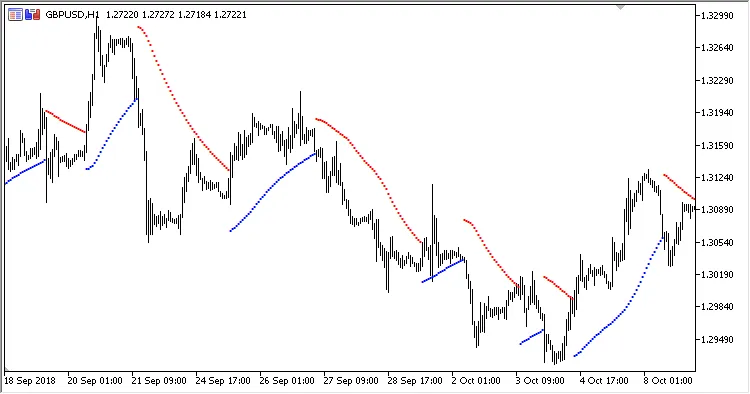
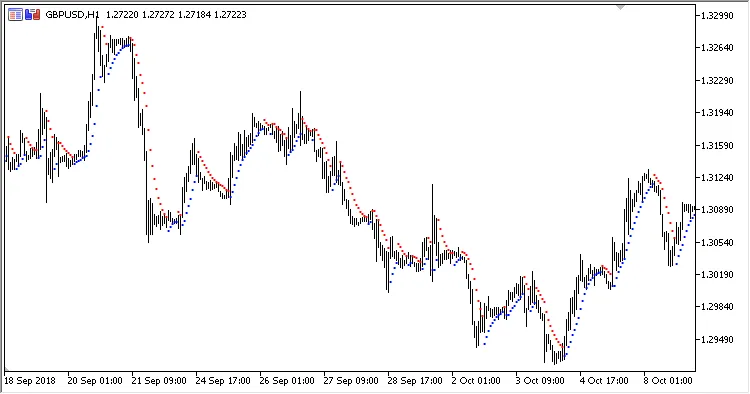
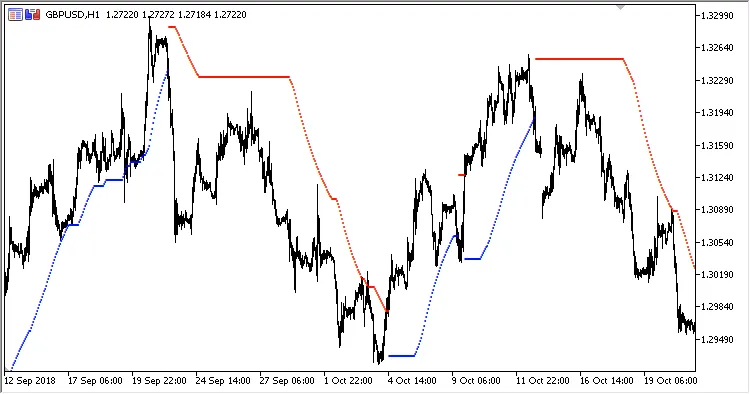
With these parameters at your disposal, you can fine-tune the ASAR Indicator to fit your trading style. It’s all about finding what works best for you!




Comments 0