
If you're diving into the world of trading on MetaTrader 4, one tool you might want to get familiar with is the Range Forecast H1 indicator. This handy indicator shows you the actual range of the hourly candle as a percentage, along with a calculated range based on average statistics. Let’s break it down!
Indicator Parameters
Here's what you need to know about the various parameters:
- Averaging Period: This is the timeframe used to calculate the relative range indicator.
- Number of Bars for Statistics: This defines how many historical bars are used to gather average statistics for a trading instrument.
- Shifting Start of Statistics Calculation: This determines from which bar to start collecting data, ensuring that recent readings don’t skew the results.
- Histogram Size: This controls the size of the histogram bars that represent the actual range.
- Line Size: This adjusts the size of the line that represents the forecasted range.
- Histogram Color: You can customize the color of the histogram for better visibility.
- Line Color: Similarly, the color of the forecast line can be adjusted.
Interpreting the Indicator Readings
Understanding what the indicator tells you is crucial for effective trading:
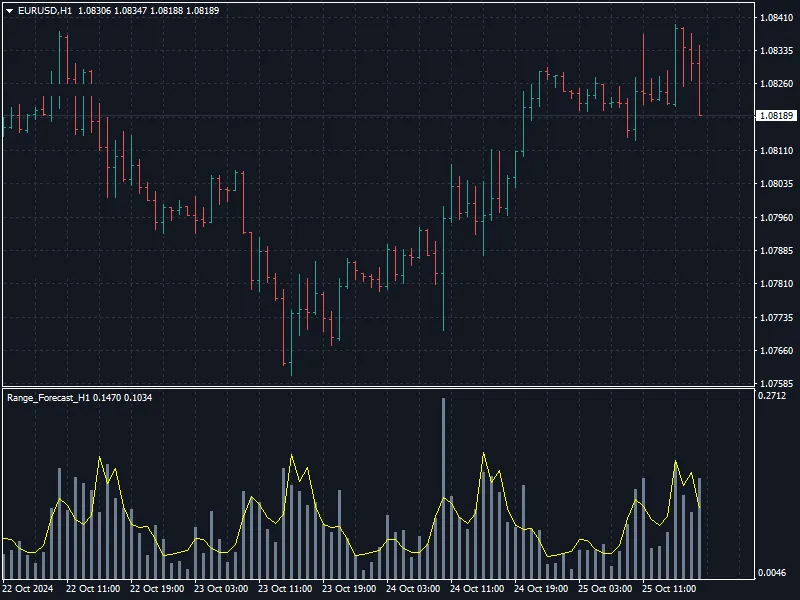
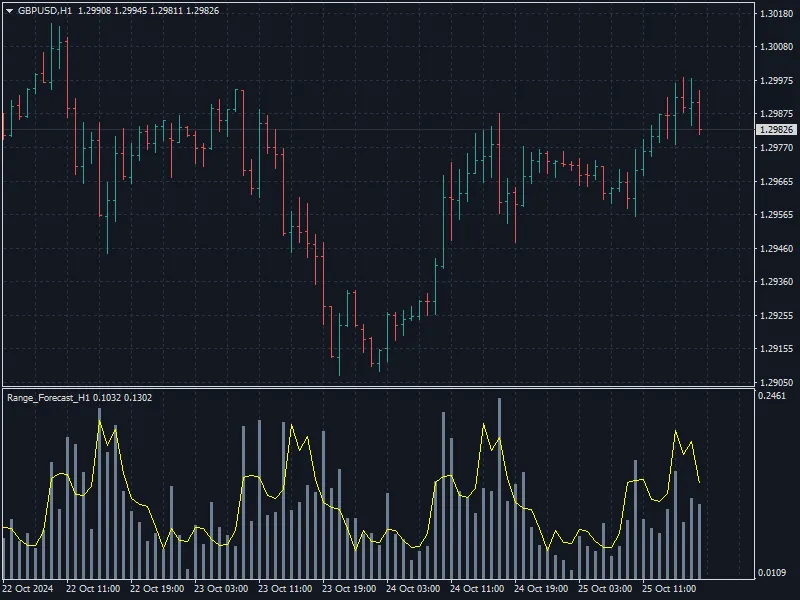
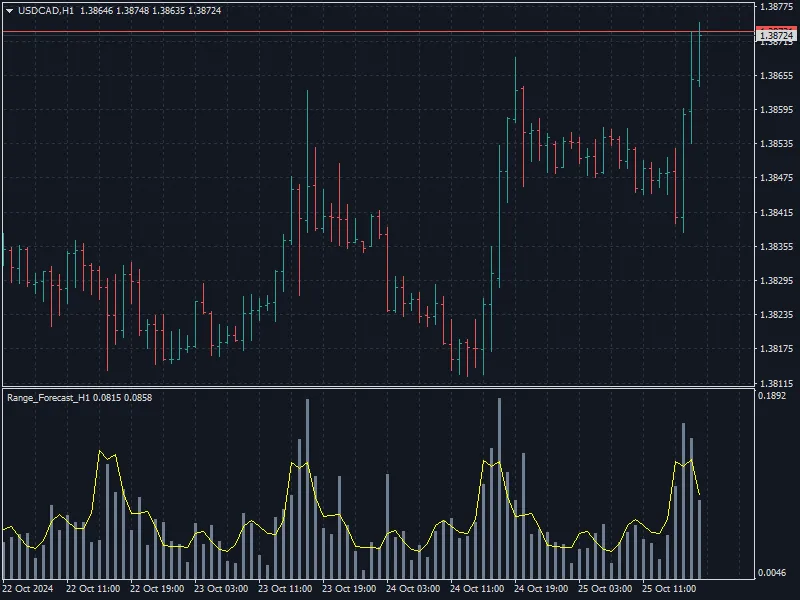
- 1. The histogram bars show the actual range of the H1 candle as a percentage (%).
- 2. The line represents the calculated value of the H1 candle range as a percentage (%), based on the average statistics.
Important: This indicator is designed to work exclusively on the H1 chart period, so keep that in mind when you're setting it up!




Comments 0