
Meet the Creators: Mark, along with MQL5 code wizard: barabashkakvn.
The Improve EA operates by searching for entry points only at the opening of a new bar, executing trades at that moment. Meanwhile, it keeps an eye on Virtual Profit with every tick. When it identifies a suitable condition for opening a position (based on the Base symbol the EA is using), it simultaneously opens two positions: one on the Base symbol and another on the Hedge symbol.
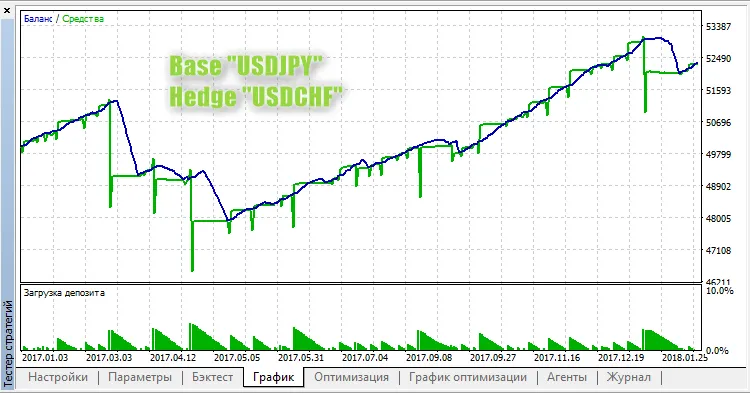
For instance, if you launch it on the USDJPY symbol, your Hedge symbol could be USDCHF:
Input Parameters
- Lots - This defines the position volume for each symbol;
- Virtual Profit (in money) - The profit threshold (in cash) at which all positions will be closed;
- Hedge symbol - This is your secondary trading symbol;
- Fast Moving Average Settings:
- MA Fast: Set your averaging period;
- MA Fast: Adjust the horizontal shift;
- MA Fast: Choose your smoothing type;
- MA Fast: Select the price type;
- MA Slow: Set this averaging period.
- Slow Moving Average Settings:
- MA Slow: Adjust the horizontal shift;
- MA Slow: Choose the smoothing type;
- MA Slow: Select the price type.
- RSI Settings:
- RSI: Set the averaging period;
- RSI: Choose the price type.
- Magic Number - This is a unique identifier for your EA.




Comments 0