
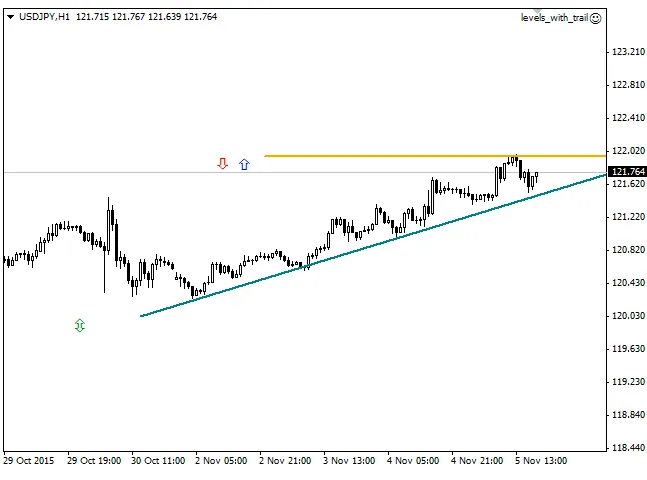
The EA is designed to trade based on breakouts or pullbacks from key support and resistance levels. You can set these lines manually using the "Trend Line" tool right from your toolbar.
As the price moves in your favor, the EA will trail the Stop Loss order, helping you lock in profits.
You have two trading modes to choose from:
- Pullback from the Line: A buy order is triggered by the "up" arrow when the price hits the support level (provided the bar opens above this line). Conversely, a sell order is activated by the "down" arrow when the price reaches the resistance level (with the bar opening below the line).
- Breakout of the Line: Both buy and sell orders are initiated using the ↕ arrow when the price crosses the resistance and support levels, respectively.
To make things visually clearer, the colors of the lines change based on their slope. If a trade direction is incompatible, the line will effectively be 'disabled' by having zero thickness. Additionally, if you want to adjust a horizontal line, simply move the second plot point to the left of the first point to flatten it out, making it easier to position.




Comments 0