
Hey traders! If you’re looking to spice up your MetaTrader 5 charts and make them more visually appealing, you’ve come to the right place! Today, I’m going to walk you through how to change the candle and wick colors to enhance your trading experience.
Understanding Candle Structure
First off, let’s break down what we’re dealing with:
- The Wicks: These are the thin lines that extend from the top and bottom of each candle, showing the highest and lowest prices during a specific period.
- The Body: This is the rectangle that represents the opening and closing prices. If the closing price is higher than the opening price, it’s a bullish candle; if not, it’s bearish.
Customizing Colors
Now, let’s talk about the fun part – color customization! You can easily change the colors for both bullish and bearish candles, as well as their wicks. For instance:
- Bearish candles can have a maroon body (
clrMaroon). - Wicks of bearish candles can be light violet (
clrOrchid).
This customization allows you to:
- Create a unique visual style for your charts.
- Easily differentiate between bullish and bearish candles.
- Analyze price movements more effectively.
Check Out These Examples
Visuals can make a huge difference. Here’s how your charts can look with these customizations:
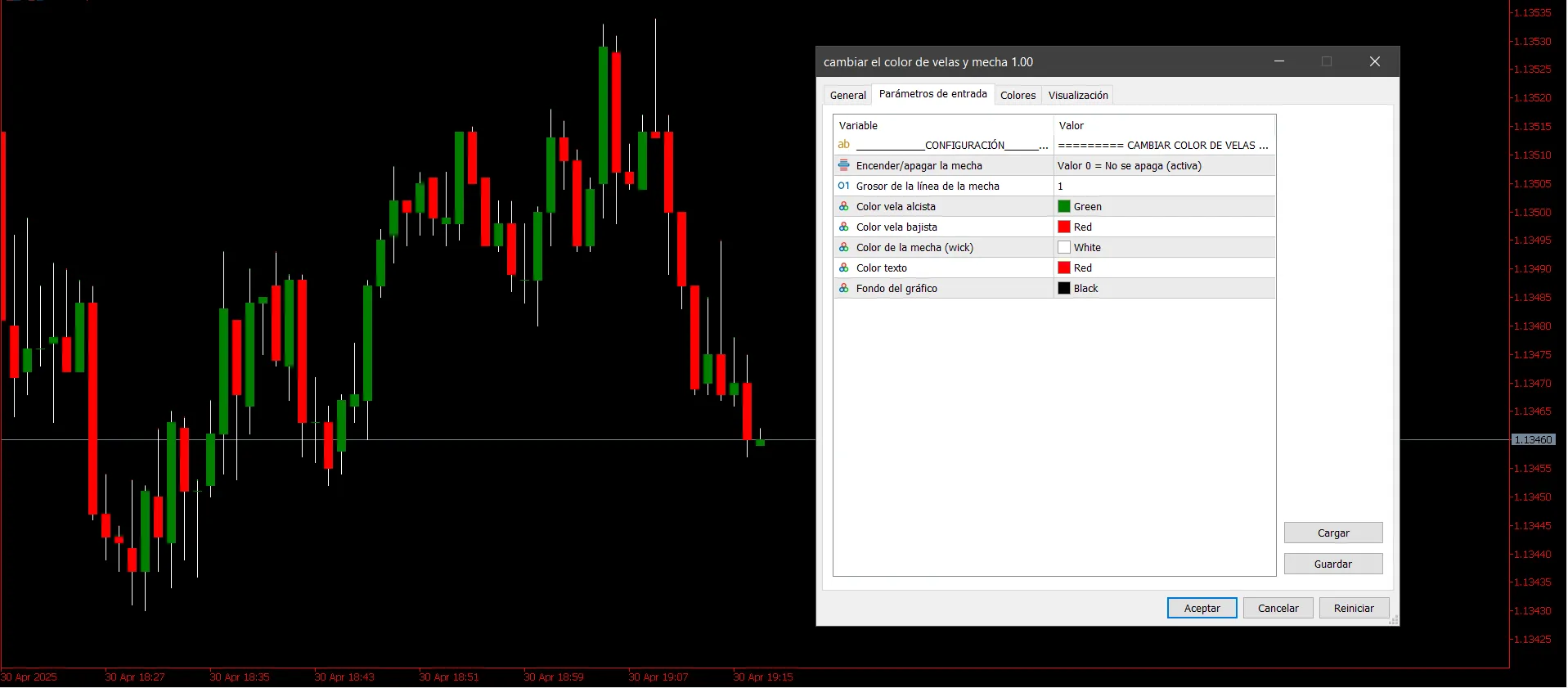
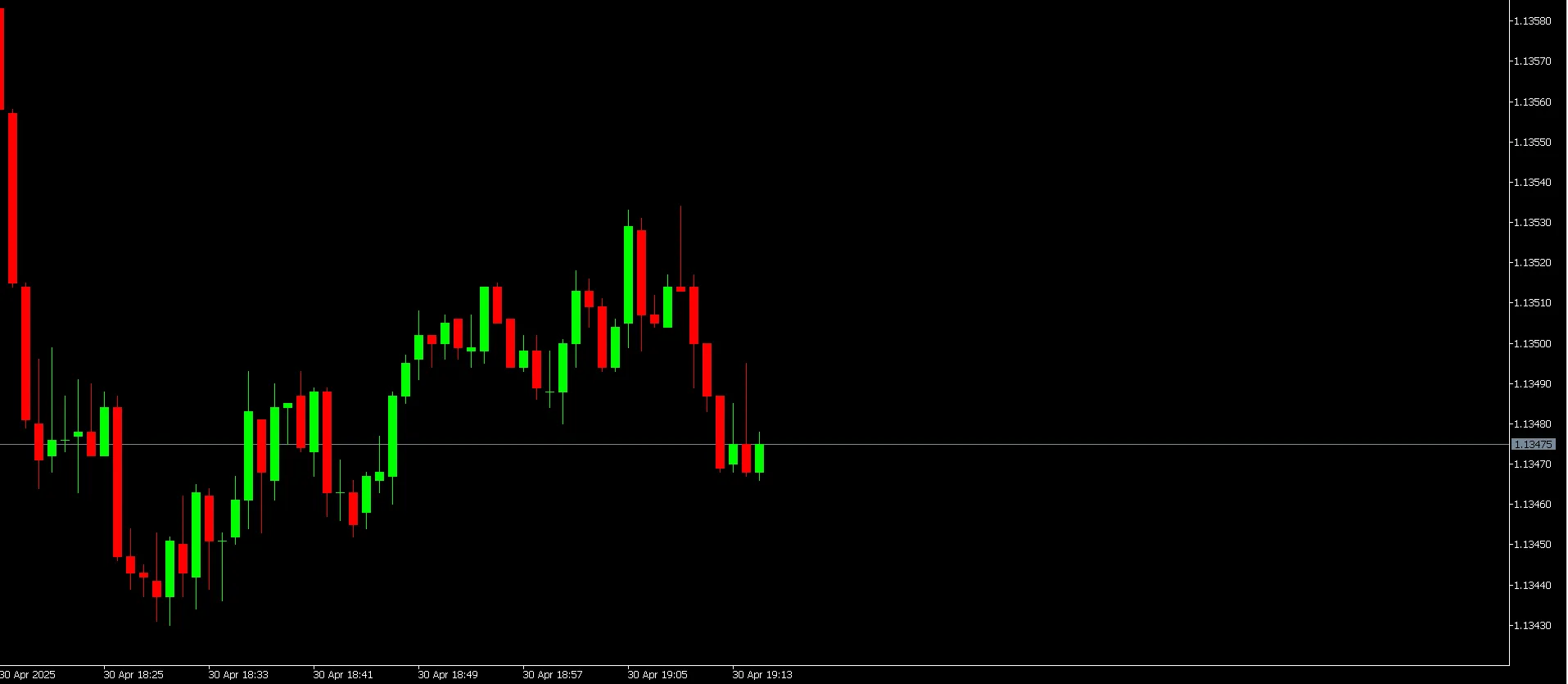
By implementing these color changes, you’ll not only enhance your charts' aesthetics but also improve your trading analysis. So go ahead, give your MetaTrader 5 platform a makeover!




Comments 0