
The Point & Figure indicator is a powerful tool for traders, allowing for flexibility in analysis. You can easily adjust the Box Size (in pips) and the Reversal Amount (in boxes) to suit your trading style. This can be applied to any timeframe and currency pair!
By default, the indicator displays green as "X" and red as "O". But for a clearer view, it's recommended to switch to a line graph. You can do this by altering the chart properties (just hit F8) and setting the line graph color to "None".
Bug Alert: If you refresh your chart by adding older bars, you might need to reload the indicator. A quick fix is to switch the timeframe and then switch back. If anyone has a more permanent solution, feel free to share!
Pro Tip: Point & Figure charts pair nicely with Gann lines. Check out Picture 1, which shows a Gann fan with a scale of 5.0 for a better understanding.
P.S. New to Point & Figure charts? Don’t worry! You can learn more about them on Investopedia.com.
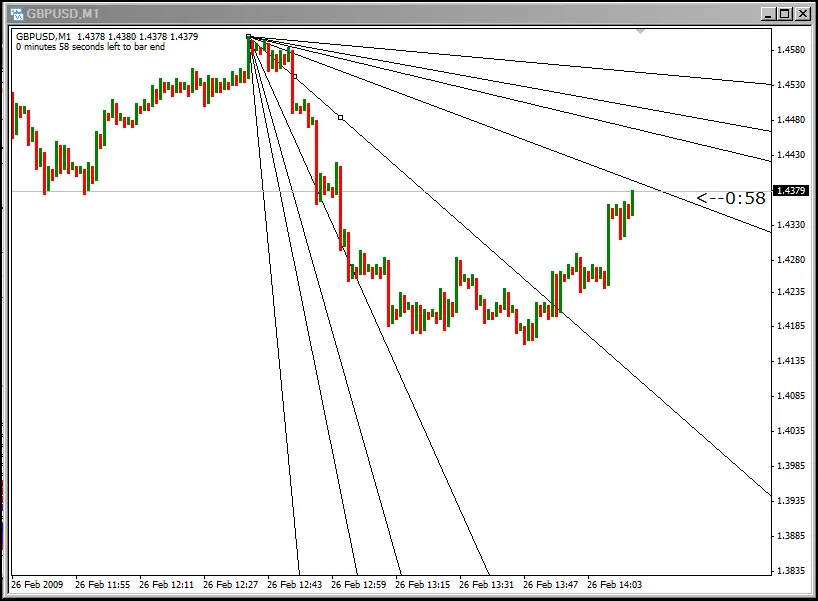
Picture 1




Comments 0