
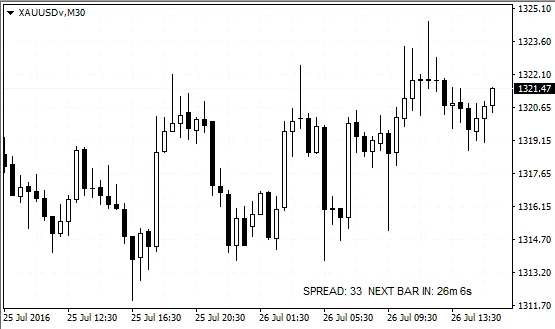
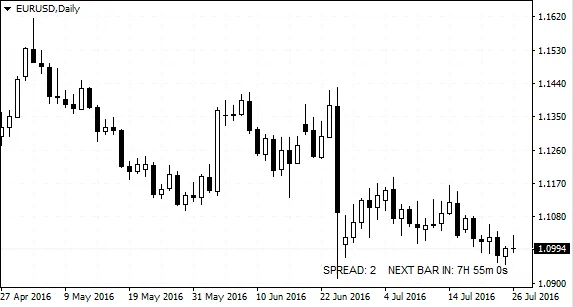
If you're trading on MetaTrader 4, one handy tool you definitely want to have is the Spread and Countdown Timer indicator. Once you add this indicator to your chart, you'll notice two text labels pop up in the bottom right corner. These labels show you the current spread and how much time is left until the current candle closes.
Customization is key! You can tweak the text color to whatever suits your style by adjusting the parameters when you attach the indicator. If you want to reposition the labels, just remember that their coordinates must stay within the chart area. To keep them in their default spot, simply set the numeric value to -1.




Comments 0