
If you're looking to streamline your trading strategy, let me introduce you to Close@Profit—a handy EA designed for MetaTrader 4 that helps you manage your trades efficiently. This system automatically closes orders once you hit a predefined profit or loss threshold, allowing you to focus on what really matters: trading.
With Close@Profit, you have the flexibility to decide whether to close trades only for the current symbol or across all your open positions. You can choose to close only active trades or even delete pending orders if that's your game plan.
This tool builds on the Close at Profit concept from Matus German, with additional features such as accounting for commissions and swaps, plus an upgraded user interface.
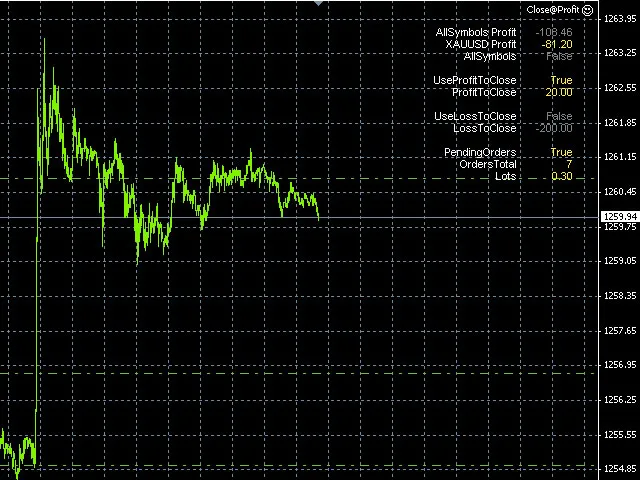
Input Variables- UseProfitToClose = true; - When set to true, the EA will close trades once your profit exceeds the defined level.
- ProfitToClose = 100; - This is the profit target in your account’s currency that triggers trade closure.
- UseLossToClose = false; - If true, the EA will close trades when losses exceed a set limit.
- LossToClose = 100; - This defines the loss threshold in your account’s currency.
- AllSymbols = true; - If true, trades will be closed across all symbols; if false, only on the current symbol where the EA is running.
- PendingOrders = true; - This option allows the EA to close pending orders based on your AllSymbols setting.
- MaxSlippage = 3; - The maximum slippage allowed, measured in pips.
- LegendColor = White; - This sets the color of the label text.
- VariablesColor = Gold; - Color of the displayed variables.
- FontSize = 8; - Sets the font size for the displayed information.




Comments 0