Technical Indicator

Unlocking the Neely Method: A Fresh Take on Elliott Wave Analysis
MetaTrader4
Unlocking the Neely Method: A Fresh Take on Elliott Wave Analysis

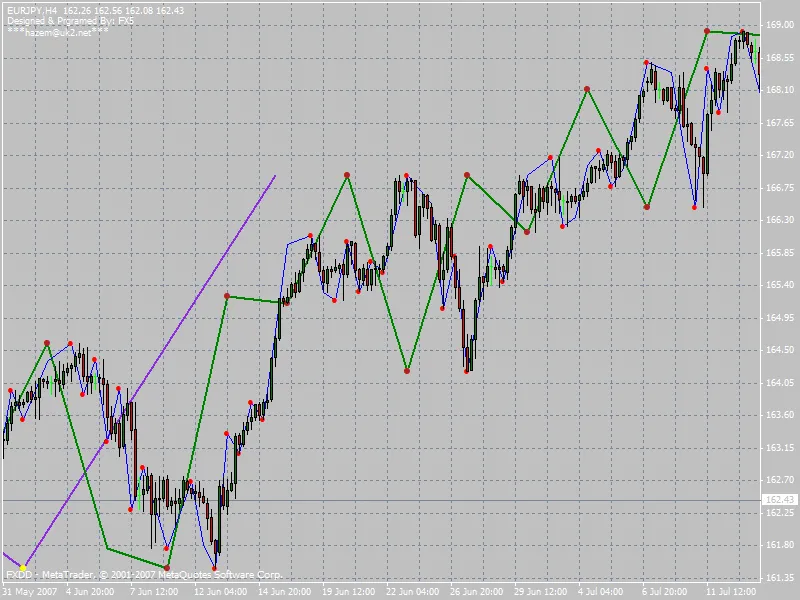
Hey there, fellow traders! If you’ve been delving into Elliott Wave theory, you might want to check out Glenn Neely's innovative approach detailed in his book, “Mastering Elliott Wave.” This method, known as the Neely Method, offers a more structured and objective way to analyze market waves. At the heart of this technique is the concept of a Monowave. This simply refers to the price movement until it shifts direction. You can spot Monowaves by charting the high and low prices over a selected time frame, following the order they appear throughout that period. The Neely Method breaks down into different levels, each with its own name: Monowave, PolyWave, Multiwave, and Macrowave. These levels represent various degrees of price movement, giving you a comprehensive view of the market. The indicator that accompanies this method plots these Monowaves across different time frames. Each Monowave’s start and end points are marked by a dot or small circle, making it easy to visualize trends. Here’s how the levels are color-coded: Monthly: Default color is BlueViolet. Weekly: Default color is Green. Daily: Default color is Blue. Quarter Daily: Default color is Yellow. Don’t worry if you’re not a fan of these colors; you can easily customize them in the indicator’s settings to fit your preferences. I really hope you find this indicator to be a valuable addition to your trading toolkit. Best of luck out there!

2007.07.31
Mastering Divergence: Your Guide to Effective Trading Signals
MetaTrader4
Mastering Divergence: Your Guide to Effective Trading Signals

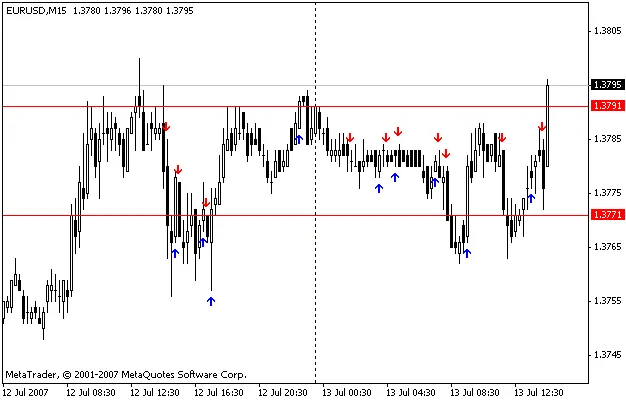
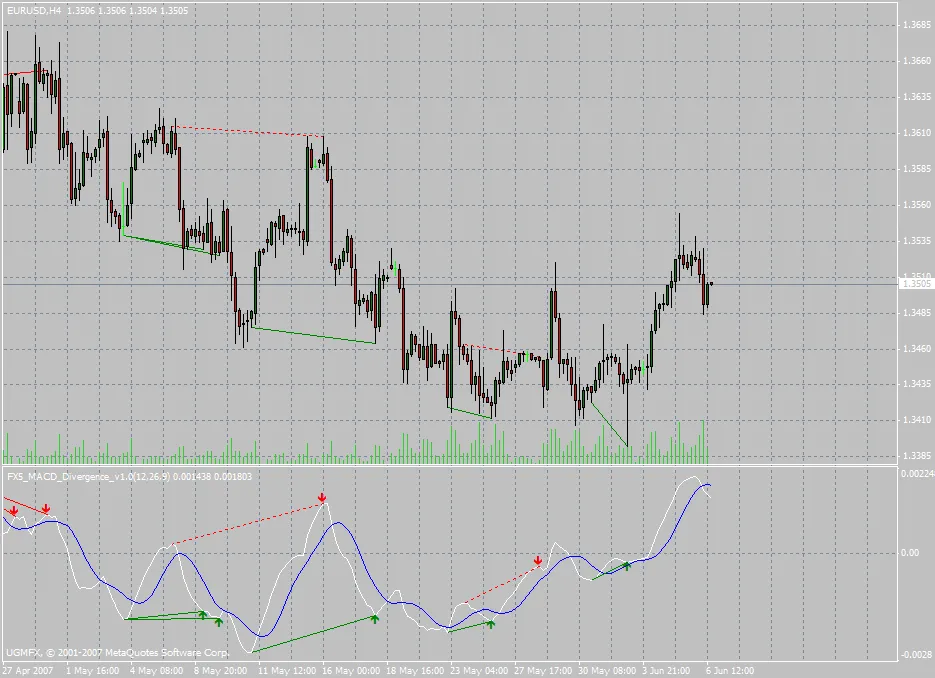
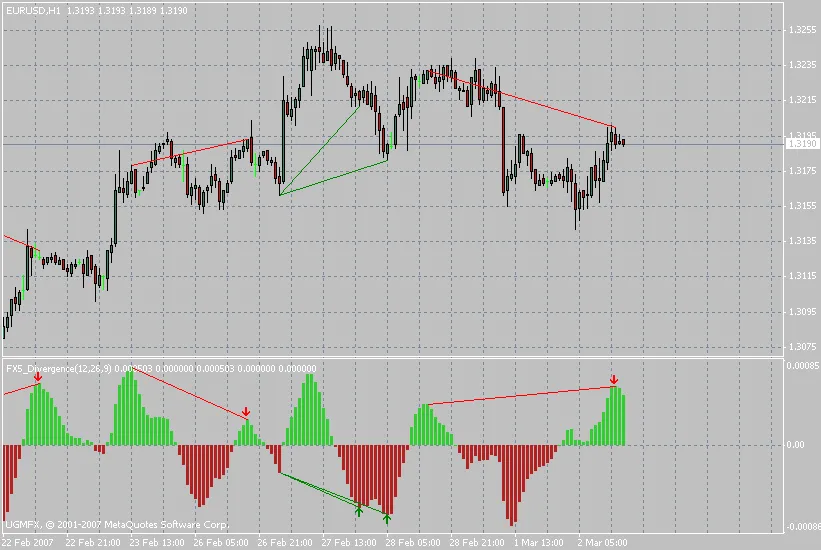
Divergence is a powerful strategy for identifying potential price reversals at key support and resistance levels. It often provides earlier signals than traditional moving average indicators, making it an invaluable tool for traders. You can apply this technique to a variety of technical indicators to boost your trading results. This indicator specifically plots divergence lines between the price and the OsMA indicator, generating buy or sell signals based on the type of divergence detected. Plus, it has the capability to draw divergence lines for the entire price history available on your chart. Bullish divergence is marked with green lines on both the price and OsMA indicator windows. Conversely, bearish divergence is highlighted with red lines on the same windows. I hope you find this indicator to be a valuable addition to your trading toolkit! Updates and Enhancements: Changes in Version 1.5: Fixed an issue with updating divergence lines as live quotes flow in. Added a sound alert feature, which can be toggled on or off in the indicator settings. Classical divergence is displayed with solid lines, while hidden divergence appears as dotted lines. Changes in Version 2.0: Rebuilt the code from the ground up for improved speed. Eliminated any repainting of signals. Improved signal identification algorithms for greater accuracy. Version 2.1: Corrected an attachment error; this is the final version, designated as version 2.1.

2007.06.05
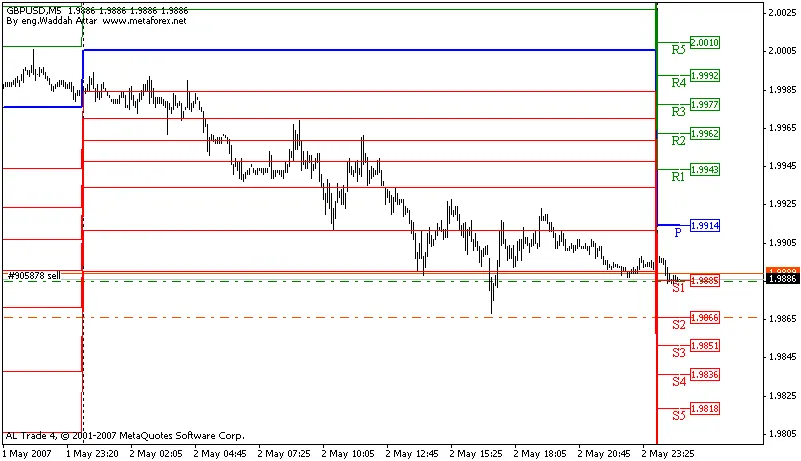
Mastering the Waddah Attar Pivot Fibo Daily Indicator for Better Trading
MetaTrader4
Mastering the Waddah Attar Pivot Fibo Daily Indicator for Better Trading

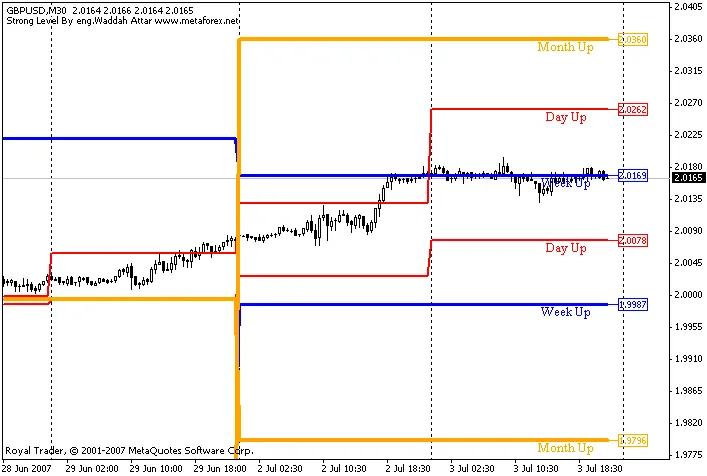
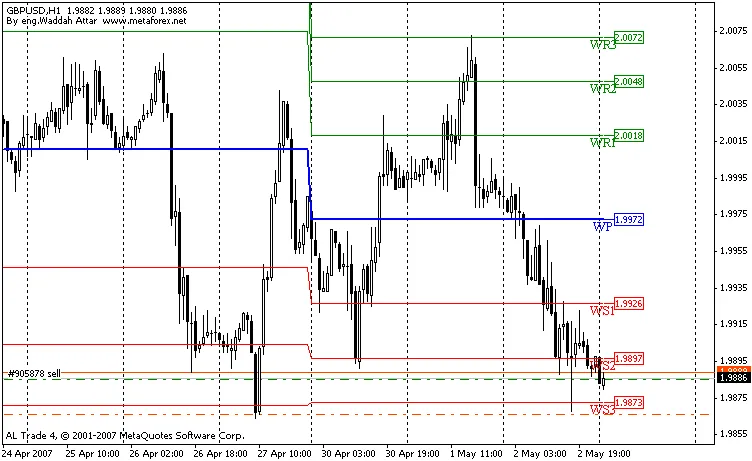
The Waddah Attar Pivot Fibo Daily Indicator is a powerful tool for traders looking to enhance their market analysis. This indicator effectively draws the True Pivot Line along with seven resistance levels (R1, R2, R3, etc.) and seven support levels (S1, S2, S3, etc.), complete with backtesting capabilities. Now, you might be wondering why two separate indicators are used instead of one. Well, the reason is simple: I couldn’t fit all 15 lines into a single indicator. So, to ensure you have a clear view of all the levels, I created two indicators that work in tandem. Make sure to place both indicators on your chart to visualize every critical level. Using the Waddah Attar Pivot Fibo indicator can help you make informed trading decisions by identifying key levels where price action might react. Whether you're a seasoned trader or just starting out, integrating this tool into your strategy can be a game changer. Getting Started with the Waddah Attar Pivot Fibo Indicator Installation: Download both Waddah_Attar_Pivot_Fibo_First.mq4 and Waddah_Attar_Pivot_Fibo_Second.mq4 and add them to your trading platform. Chart Setup: Load both indicators onto your chart to see all pivot levels displayed clearly. Trading Strategy: Use the pivot levels as potential entry and exit points in your trading strategy. Give the Waddah Attar Pivot Fibo Daily Indicator a try, and you might just find it to be a valuable addition to your trading toolkit!

2007.05.03
First Previous 388 389 390 391 392 393 394 395 396 397 398 Next Last